



| This article highlights 12 of the best 3D animated explainer videos in 2026, focusing on what makes each one effective in visual storytelling, product clarity, and audience engagement. It explores various animation styles, industry use cases, and shows how 3D explainer videos can simplify complex ideas, strengthen branding, and improve conversion rates. Suitable for businesses looking to adopt impactful video strategies. |
A bit short on time? I've got you covered!
Check out the Best 3D Explainer Videos in this short compilation to experience their magic in real time.
But if you have some time to spare, let me ask you this: you must have heard this phrase before:
“It’s not always two-dimensional.”
It basically means that there is more than one way of looking at things. But speaking from a brand video marketing perspective, this phrase holds even more meaning.
Specifically, it reveals that your explainer videos are the gateway to an even bigger picture than what your audience is seeing through your video content. All you need now is a delivery mechanism that turns your vision into an undeniable reality.
In this blog, I’ll show you how to do that using 3D explainer video examples. We’ll look at what they are, why they’re important for brands, and 12 amazing examples to show you how it’s done.
A 3D explainer video is a short video that uses 3D visuals and animation to explain a product, service, or idea in a simple and engaging way.
Instead of just telling people what you do, it shows — using depth, movement, and realistic visuals to make complex concepts easier to understand.
It is especially useful when your idea is too technical, abstract, or hard to visualize — because 3D makes it feel real, clear, and a lot more memorable.
Think of it this way — if your idea is simple, 2D is enough. But if it is complex, 3D makes it clearer.
If your goal is to keep things simple, quick, and cost-effective, 2D animation does the job well. It’s clean, easy to follow, and works perfectly for straightforward messaging — especially for basic explainers where speed matters.
But when you are dealing with detailed products, technical workflows, or concepts that are hard to visualize, 3D helps bridge that gap. It adds depth, realism, and a more engaging experience, making it easier for your audience to truly understand what you are offering.
So the choice isn’t about style —it’s about how clearly your message comes across. If you’re still unsure which direction to go, you can check out this detailed breakdown of 2D vs 3D animation.

Explainer video production has always been popular among brands to convey their offerings, features, aims, vision, and mission. 3D explainer videos are just these videos at their core, but as their name suggests, they are partially, or even entirely, made using three-dimensional animation.
To better understand what 3D explainer videos offer, review the amazing examples of 3D animated explainer videos mentioned below and consider the insights shared about them.
Estimated Pricing: $7,000 to $9,000 per minute
Code illiteracy is a major issue in a world that is driven by code. Every website you visit, every screen you swipe, and even every text you send is run on code. Webflow highlights this gap through a powerful 3D animated explainer video, positioning its platform as a solution that makes web creation accessible to all.
Use Case: Explainer video / Product storytelling
Placement: Website landing page, digital campaigns, and product marketing
Style & Narration: the video opens with a dense visual of multiple code screens, instantly establishing how deeply code is embedded in our everyday lives. It then transitions into an underwater-like scene where numerous blue spheres attempt to rise, but only few make it, symbolizing how limited access to coding knowledge holds back people.
As the narrative progresses, viewers are taken through dynamic transitions and a spiraling tunnel of documents, reinforcing the idea that many ideas never come to life due to this barrier. The introduction of a central blue sphere shifts the story towards possibility, representing a new way of building without writing coding.
Using abstract 3D shapes, gradients and fluid motion, the video illustrates how design can replace traditional coding. The final scenes, where more spheres rise freely, visually communicate empowerment and accessibility, supported by a clear and motivating voiceover.
Why It Works: The video turns an abstract problem into a relatable visual journey, making the concept of "no-code" easy to understand. Its strong metaphor and smooth transitions not only educate but also inspire, positioning Webflow as a tool that unlocks creativity for everyone.
Estimated Pricing: $10,000 to $12,000 per minute
In today's fast-paced digital era, the world is filled with constant notifications and interactions. Vonage (formerly Nexmo) uses a dynamic 3D animation explainer video to capture this chaos and introduce its communication platform that brings clarity and connection.
Use Case: Explainer video / Product storytelling
Placement: Website landing page, digital campaigns, and product marketing
Style & Narration: The video opens with a vibrant 3D cityscape filled with popping notification elements such as emoticons, hearts, phone symbols, like counts, and cloud icons, instantly recreating the overwhelming nature of the digital world. This chaotic setup effectively sets the context for the problem.
As the narrative unfolds, Vonage introduces its solution through expressive characters and a mix of visual styles. The combination of 3D with 2D animations and 2.5D animation creates a layered, visually engaging experience. From animated characters to infographic-style visuals and playful transitions, the video maintains a lively pace throughout.
The storytelling is further enhanced with subtle humor and relatable scenarios, while the voiceover clearly explains the need for seamless communication tools powered by cloud-based API.
Why It Works: By turning digital chaos into a visually engaging story, the video captures attention instantly and holds it. The blend of multiple animation styles, combined with clear messaging and relatable scenarios, make Vonage's offering both easy to understand and compelling to explore.
Estimated Pricing: $8,000 to $10,000 per minute
When it comes to capturing attention, Adobe starts by focusing on what prospects they truly care about — understanding their customers better. Through this 3D advertising video, the brand introduces its analytics solution in a way that feels simple, intuitive, and visually engaging.
Use Case: Product Demo / Explainer video
Placement: Website landing page, digital campaigns, and sales enablement
Style & Narration: The video uses high-quality 3D elements like laptops, speech bubbles, gears, clouds, and cubes to build a visually rich narrative. Smooth, almost hypnotic transitions between scenes keep the flow engaging while gradually introducing the problem — businesses wanting deeper customer insights.
A standout moment is the use of a telescope visual, where its viewing lens creatively showcases different customer actions like searching online or checking apps. This makes the idea of "understanding customer behavior" feel tangible and easy to grasp.
As Adobe Analytics is introduced, the visual shift to data-driven elements like charts and graphs. The transition remains seamless, for instance, data transforming into dynamic shapes subtly reinforces the idea of turning insights into action. The voiceover stays clear and focused, guiding the viewer without overwhelming them.
Why It Works: The video combines simplicity with sensory-rich visuals, making a complex analytics tool feel approachable. Its realistic texture and smooth storytelling elevate the experience, helping the message stick while keeping viewers engaged till the end.
Estimated Pricing: $10,000 to $12,000 per minute
You think your password is safe. But does a password strength checker agree? Well, not always. Google taps into this exact concern to create a 3D explainer video that highlights the gap between perceived and actual password safety, while introducing a smarter solution.
Use Case: Explainer video / Product demo / Promotional video
Placement: Website landing page, digital campaigns, and product education
Style & Narration: The video uses smooth 3D graphics with colored spheres moving through pipelines to represent how users create passwords. As the narrative unfolds, visual elements like rotating gates reveal common patterns — birthdays, pet names, or favorite teams, making the problem instantly relatable.
At a key moment, the sphere drops and reveals a red core, visually emphasizing how easily weak passwords can be compromised. This transition effectively builds tension before introducing Google Password Manager as the solution.
As the product is explained, the visuals shift to structured, system-like animations where spheres pass through protective layers, symbolizing enhanced security. The use of Google's signature colors against a clean white background keeps the design consistent and recognizable, while the voiceover remains simple and reassuring.
Why It Works: By starting with a relatable problem and visualizing it through simple yet impactful metaphors, the video builds awareness and trust. It not only educates users about password risks but also positions Google as a reliable solution, leaving viewers feeling informed and confident.

Estimated Pricing: $7,000 to $9,000 per minute
Tech has entered every aspect of your office—even your pantry is getting smart. In such a tech-savvy world, when the meeting room comes to a standstill due to an IT issue, it literally kills the vibe. This is what Lenovo makes sure doesn't happen using its ThinkSmart Manager using this 3D motion graphics video, showcasing how it helps teams work smarter, communicate better, and collaborate seamlessly.
Use Case: Product demo / Explainer video
Placement: Website landing page, digital campaigns, and sales enablement
Style & Narration: The video begins by highlighting the growing presence of technology in modern workplaces, setting the stage for the need for smarter solutions. Through smooth transitions from tools to building-like structures, it visually represents how workplace transformation often starts at the IT and operations level. Subtle details — like windows lighting up across buildings — reinforce the idea of gradual, impactful change.
The introduction of ThinkSmart Manager is handled through clean 2D screencast animation, giving viewers a direct look at the interface. This is then combined with 3D visuals and abstract infographics elements, supported by a clear and explanatory voiceover, keeps the video informative yet engaging throughout.
Why It Works: By combining visual storytelling with practical product demonstrations, the video makes a complex workplace solution feel accessible. Its mix of motion graphics and screencast animation ensures both engagement and clarity, helping viewers quickly understand the value of Lenovo's offering.
Estimated Pricing: $8,000 to $10,000 per minute
Customer fulfillment needs and demands are always changing, and thus, it becomes hard for distribution centers to manage them efficiently without chaos. To showcase the issues and propose its Pouch System as an efficient solution, Beumer used this mixed media animation video.
Use Case: Product demo / Explainer video
Placement: Website landing page, sales presentations, and marketing campaigns
Style & Narration: The video opens with a 3D view of a distribution center surrounded by dark clouds, instantly setting a chaotic tone. Honking trucks, cluttered movement, and visual congestion clearly depict operational challenges caused by fluctuating demand.
As the story unfolds, 2D and character animations are introduced to highlight everyday issues — limited space, delayed orders, and workforce gaps. These problems are visually layered one after another, reinforcing the intensity of the situation.
Once Beumer's Pouch System is introduced, the visuals shift noticeably. The environment becomes brighter, movements more organized, and workflows more structured. Infographics are used alongside 2D characters to explain how the system improves efficiency across different roles, making the solution feel both practical and human-centric.
The transformation is completed with a clean, sunlit distribution center and neatly arranged trucks, visually reinforcing the idea of control and efficiency. A calm voiceover and well-placed sound effects support the narrative throughout.
Why It Works: The video clearly shows contrasts between chaos and order, making the impact of the solution easy to understand. By combining storytelling with functional visuals and human elements, it effectively communicates both the problem and the value of Beumer's system without overwhelming the viewer.

Estimated Pricing: $5,000 to $6,000 per minute
Financial planning is a tough terrain to understand. Thus, as a company in this domain, the best way to explain your financial offerings or expertise to people is by not overcomplicating them. This is exactly what Fifth Third Bank chose to do with this 3D animation explainer video.
Use Case: Explainer video / Educational marketing
Placement: Website landing page, digital campaigns, and customer education
Style & Narration: The video uses motion graphics and 3D shapes to break down financial planning into an easy-to-understand visual journey. A standout metaphor is a game-like setup where a white ball attempts to land a yellow block. As different uncertainties — like market changes or shifting priorities — are introduced, the ball repeatedly misses the target, clearly illustrating how plans can go off track.
As the narrative shifts into an educational phase, the video introduces key tips for better financial planning. These are explained through puzzle-like setups and guided movements of the ball, making each concept feel interactive and practical.
In the final scene, the ball smoothly follows a defined path and successfully reaches its goal, symbolizing how the right strategy leads to better outcomes. The video closes with a clear call-to-action, reinforcing the brand's role in guiding users through their financial journey.
Why It Works: By turning financial planning into a simple visual game, the video makes a complex topic approachable and engaging. Its use of strong metaphors and clear progression helps viewers not only understand the problem but also feel confident about finding a solution.
Estimated Pricing: $5,000 to $8,000 per minute
Explaining something like investment management and fund operations can get complicated really fast — there are too many moving parts, systems, and data involved. To make it easier to understand, Allvue uses a mix of 2D motion graphics, and 3D animation.
Use Case: Explainer video / Product overview
Placement: Website landing page, social media, and sales enablement
Style & Narration: The video uses clean motion graphics with subtle 3D-style elements to simplify a complex system. Instead of focusing on heavy technical details, it shows how different parts of the workflow connect and interact.
Structured layouts, smooth transitions, and isometric-style visuals that organize information in a way that feels easy to follow. The animation moves step-by-step, guiding the viewer through processes without making it feel overwhelming.
There is also a good balance between abstract visuals and interface-like elements, which helps in showing both the idea and how the product actually works. The pacing stays consistent with a voiceover, allowing the viewer to absorb everything comfortably.
Why It Works: This video works because it focuses on clarity over complexity. Instead of trying to explain everything, it shows how things flow and connect. That makes it much easier to understand a product that would otherwise feel complicated —- and that’s exactly what a fintech explainer should do.

Estimated Pricing: $7,000 to $8,000 per minute
As technology continues to evolve, businesses often struggle to keep up with the rapid pace. To address this issue, Align partnered with our 3D animation company to bring a visually engaging 3D explainer video that breaks down complex IT challenges and solutions using a simple yet powerful cube-based storytelling approach.
Use Case: Explainer video
Placement: Website landing page, sales presentation, and marketing campaigns
Style & Narration: In this video we used a single 3D cube as the central visual element to represent a business navigating through the evolving technologies. It begins with the cube losing its balance, symbolizing the struggle to keep up with rapid tech changes.
As the narrative progresses, the cube moves through looping, ribbon-like paths to reflect the complexity of IT systems. Once solutions are introduced, the visuals become more fluid. The cube then merges into a larger structure and transitions into cloud-based environments, clearly showcasing integration and scalability. A clean, simple voiceover supports the visuals, making the message easy to follow.
Why It Works: By using one consistent visual metaphor, the video turns a complex IT story into a simple, engaging journey, making it easier for viewers to understand and connect with the solution.
Estimated Pricing: $6,000 to $8,000 per minute
Sometimes, the simplest ideas create the strongest curiosity. CryptoCubes uses this approach to its advantage by starting with something as basic as a cube, drawing viewers in and gradually revealing the story behind its unique digital collection through an engaging infographic animation video.
Use Case: Explainer video / Product storytelling
Placement: Website landing page, social media campaigns, and digital promotions
Style & Narration: The video begins by breaking down the basic structure of a cube — its sides, edges, and form, instantly sparking curiosity about where this is leading. As the narrative unfolds, the cube is positioned as the foundation of everything, smoothly transitioning into the concept behind CryptoCubes.
Using abstract motion and a minimal grey palette, the animation builds depth while maintaining visual simplicity. The fast yet controlled geometric movements of the cubes, combined with a calm voiceover and subtle background music, create a balanced rhythm that keeps viewers engaged.
As the story progresses, the video introduces CryptoCubes as a collection of 256 unique 3D artworks, making the transition from a basic concept to a product feel seamless and intentional.
Why It Works: By turning a simple geometric shape into a storytelling device, the video builds curiosity from the start and sustains it throughout. Its minimal, cube-centric approach and smooth narrative make it not just engaging, but easily one of the best animated explainer videos on the list.

Estimated Pricing: $10,000 to $12,000 per minute
Talking about health conditions can often feel uncomfortable, especially when it comes to something as personal as IBD. The Crohn's & Colitis Foundation addresses this challenge through a thoughtful 3D educational video that encourages open, honest, judgement-free conversations.
Use Case: Education video / Awareness storytelling
Placement: Website, awareness campaigns, and patient education platforms
Style & Narration: The video begins with simple 2D characters — a young girl and an older college boy — engaging in a relatable conversation about growing up with IBD. Through a friendly and reassuring tone, the boy shares his experiences, offering practical advice and emotional support in a way that feels personal and easy to connect with.
Visually, the video stands out with its creative mix of 2D and 3D animation. The older character frequently shapeshifts into playful forms like a tree, balloon, or other imaginative objects, adding a light, comforting tone to a sensitive topic. The contrast of 2D characters with a 3D environment, along with clean and minimal backgrounds, keeps the focus on the conversation and message.
The narration feels less like instruction and more like guidance from someone who understands, making the information both accessible and reassuring.
Why It Works: By combining relatable storytelling with a warm, conversational tone, the video removes stigma around discussing IBD. Its mix of humour, simplicity, and clarity makes it highly effective in building awareness while making patients feel seen, understood, and supported.
Estimated Pricing: $10,000 to $12,000 per minute
When you are dealing with something like a mammography system, it’s not just about explaining features — it’s about showing precision, movement, and how the entire experience feels. That’s exactly where Hologic uses 3D to its advantage in this product demo video.
Use Case: Product Demo / Explainer video
Placement: Website landing page, product launches, medical events, and digital campaigns
Style & Narration: The video uses high-quality 3D animation to give a complete view of the machine — something that would be difficult to achieve with real footage alone. From close-up product detailing to full system views, every angle is controlled and intentional.
Smooth rotations, zoom-ins, and sectional highlights focus on different parts of the machine, helping viewers understand both design and functionality. The animation also subtly demonstrates how the system adjusts and interacts, especially when it comes to patients positioning and comfort.
Instead of cluttering the screen, the visuals stay minimal, allowing the product to stand out. On-screen text works alongside the animation to highlight key features, while the pacing and transitions keep everything flowing smoothly.
What’s interesting is how the animation doesn’t just “show” the product — it presents it in a way that feels precise, advanced, and reliable, which is crucial for a healthcare device like this.
Why It Works: This video works because it doesn’t try to oversimplify or over-explain — it just shows the product in the most clear and controlled way possible.
Loved these videos?
If you’re looking to create a high-quality 3D explainer video for your brand, Broadcast2World specializes in crafting visuals that simplify complexity and drive results. It might just be the right team to bring your story to life.

Now, after going through these examples, you must have formed a rough idea of how you’d like your brand’s 3D explainer video to be.
Before you start bringing your vision to life, take a look at this section that explains how to make a 3D video, highlighting four robust methods to help you get started.
Let’s begin by exploring…
These are ready-made and editable explainer video templates that can be customized based on your video requirements. Think of explainer video toolkits as a complete package that has everything you need for 3D animation video production.
They also include downloadable 3D assets like characters, graphic elements, etc, that can be added seamlessly into the editable video template. Here are the 2 best toolkit options I could find:
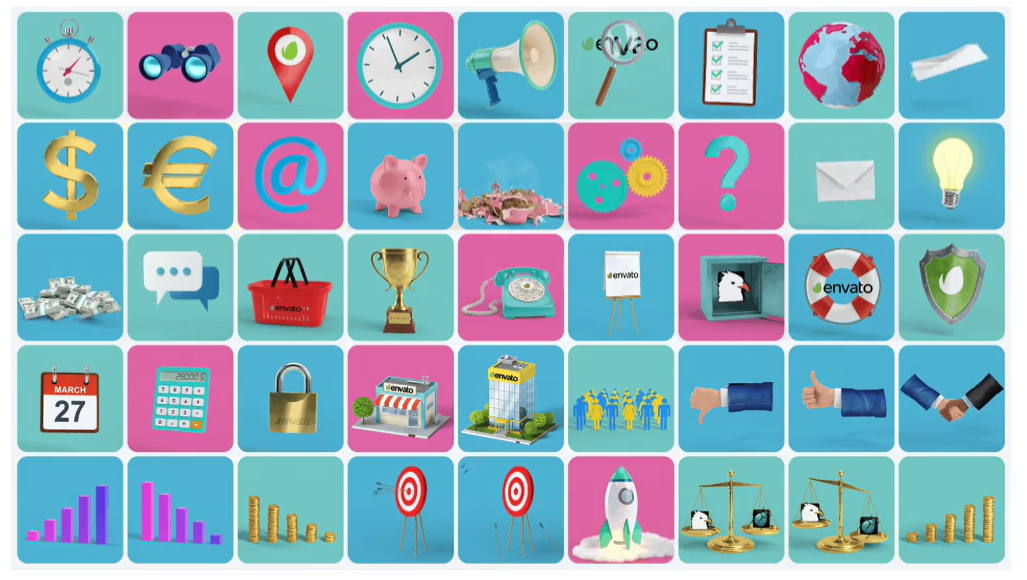
(Picture Credit: Envato)
This toolkit by Envato is a vast collection of over 205 animated elements designed using photorealistic 3D animation, which can be used directly on Adobe After Effects.
It also includes dynamic transitions, visual effects, and video tutorials to take your 3D explainer videos (or any 3D animation project for that matter) to the next level.
To download and use it, however, 3D animators would require a commercial license that comes bundled with an Envato subscription of $16.50 a month.
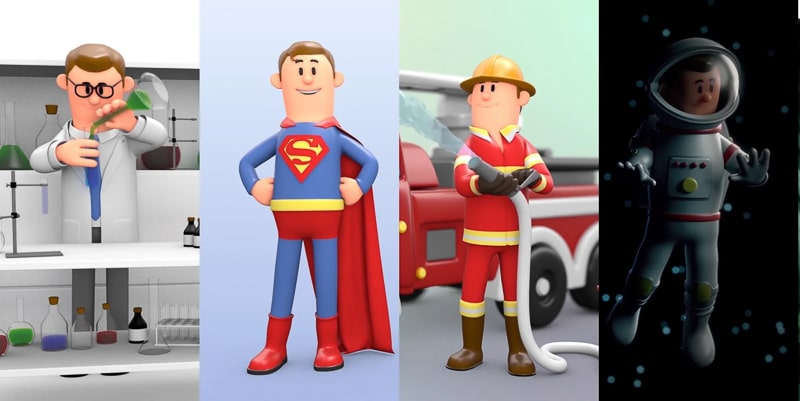
(Picture Credit: Renderforest)
Renderforest is known for its video animation templates. But in 2019, they launched an exhaustive toolkit for 3D explainers, which can be created on their website using their drag-and-drop feature.
And since it’s created using their website’s built-in editor, it eliminates the need to download plugins or be constricted to complicated animation software.
You can use the toolkit to create an explainer video for free. But what I liked most about their toolkit is the option they give you when it comes to animation style and orientation.
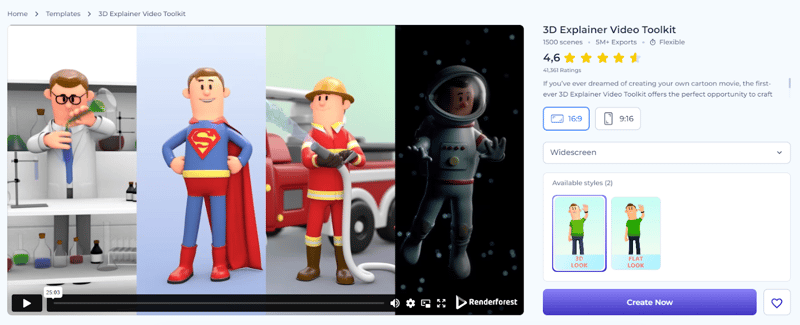
(Picture Credit: Renderforest)
The only downside is that the free version has some limitations and leaves its watermark when you export. To remove these restrictions, you need to subscribe to either their Lite, Pro, or Business tiers.
While 3D explainer toolkits are convenient when it comes to getting started, they’re not sustainable for more detailed and dynamic projects. Mostly because this one thing becomes a limiting factor in the long run: Personalization
Since the animated elements are pre-made, the scope for personal touches and more specific visual design with your 3D animation videos becomes limited. That’s why it’s important to have tools that give you a bit more flexibility so you can communicate your message exactly how you want to.
Here are some of the best platforms that can greatly aid in your 3D explainer video production:
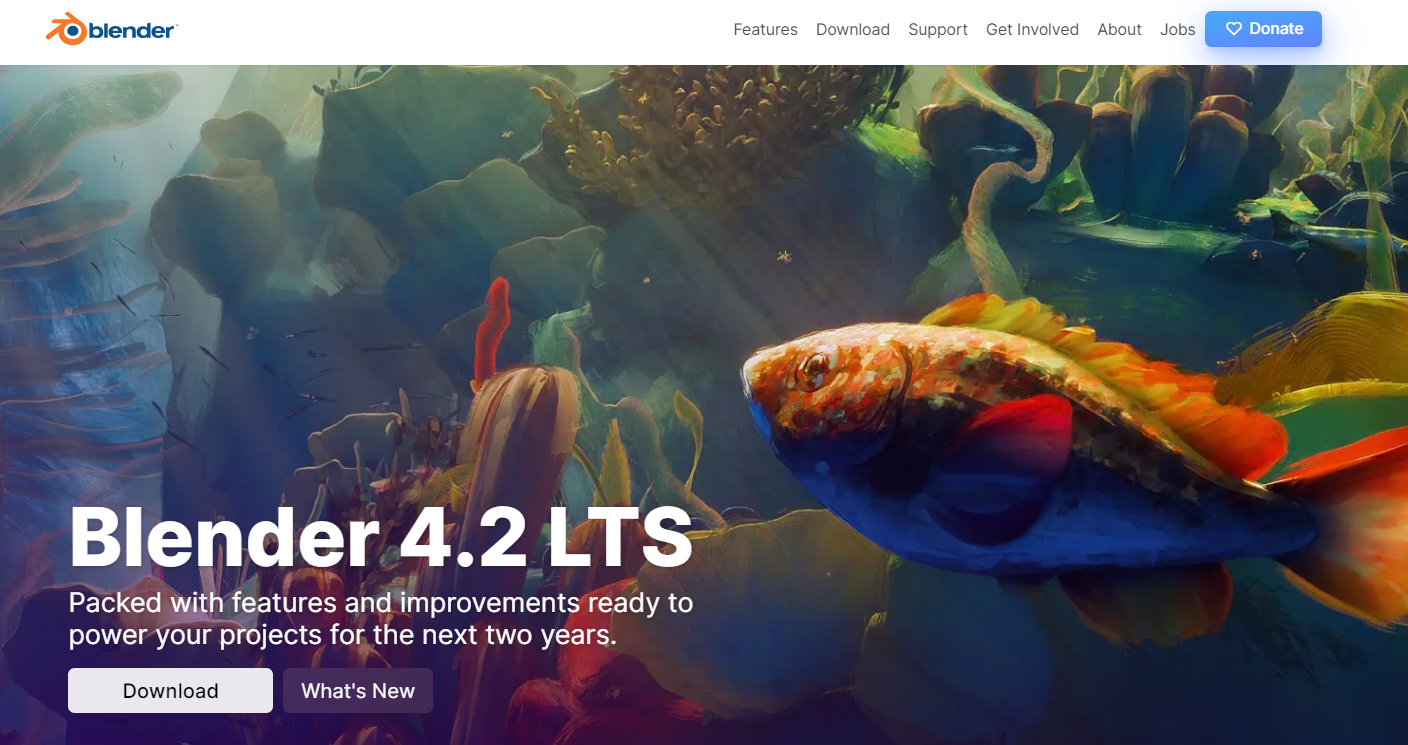
(Picture Credit: Blender)
This is one of the most recognizable tools when it comes to anything video animation. It’s an all-in-one solution to almost every major style of animation you can think of, 3D animation being one of them.
This tool supports various plugins and has built-in features to create 3D animation projects of all shapes and sizes.
The best part? This entire software is free and open source. Giving you freedom without burning a hole through your pocket.
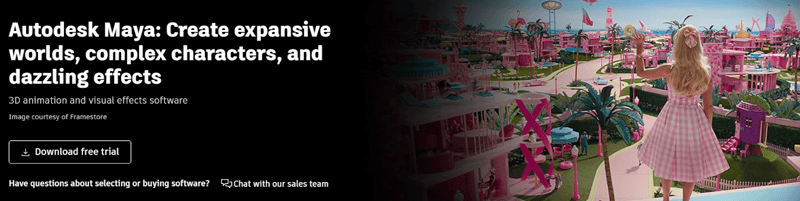
(Picture Credit: Autodesk Maya)
Autodesk Maya is a widely used 3D animation software, used for brand animations as well as big-budget Hollywood flicks.
It has become an industry standard of what a product demonstration is in both B2B and B2C video marketing.
It is considered one of the best software for creating detailed 3D product explainers, thanks to its advanced tools and high-end capabilities.
But the software is a bit expensive, and some of its features can be overkill based on what’s required for 3D animated videos in general.
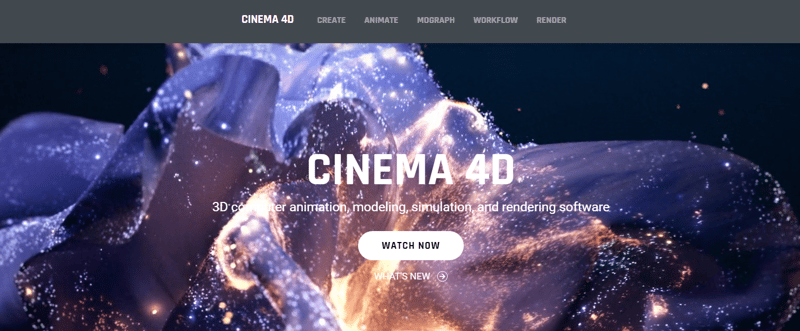
(Picture Credit: Maxon)
Cinema 4D is another great 3D animation software, designed specifically for 3D simulations. So if your B2B offering requires you to create a product demo or a SaaS explainer, this software can be the tool you’re looking for.
It can help you add photorealism and intricate design to your 3D explainer videos, taking them to the next level. But it has a steep learning curve and can take some time to navigate if you’re just starting out.
I understand that most 3D animation tools (or any animation software, for that matter) aren’t user-friendly right out of the gate. Some can be heavy on system resources, making you look for ways to reduce CPU usage on Mac. And some tools may be too expensive, taking a major chip out of your marketing and production budget, which is the last thing I want.
So, to help you out with some beginner-friendly and free animation tools, check out the blog on the 22 Best Free Animation Video Makers next.
These are software tools specifically made for 3D animation. How are they different from 3D animation software, you ask?
3D animation software has a broad set of functionalities, while 3D explainer video makers only have the essentials to get the job done. Let me give you a better perspective.
(Picture Credit: FlexClip)
FlexClip is known for its free online video maker, which also includes a fairly capable 3D video maker with an in-built video editor, templates, and animated overlays.
If you want to make a quick 3D explainer video that’s simple yet elegant, the free version of FlexClip can get the job done. But the video resolution is capped at 720p. For HD exports, you need to subscribe to their Plus and Business tiers.
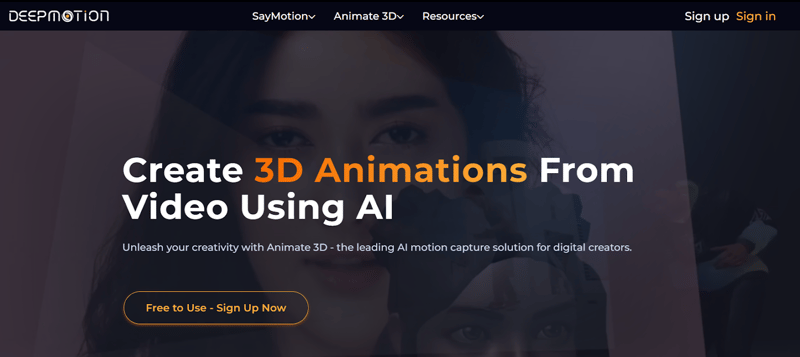
(Picture Credit: DeepMotion)
This is an online 3D animation video maker that uses AI to simplify your animation process. It’s free to use and has some powerful features that are mostly available in more complex and paid animation software tools.
While the free version can help you get started, their paid subscriptions start from $9 a month and go up to $83 a month for their Studio tier.
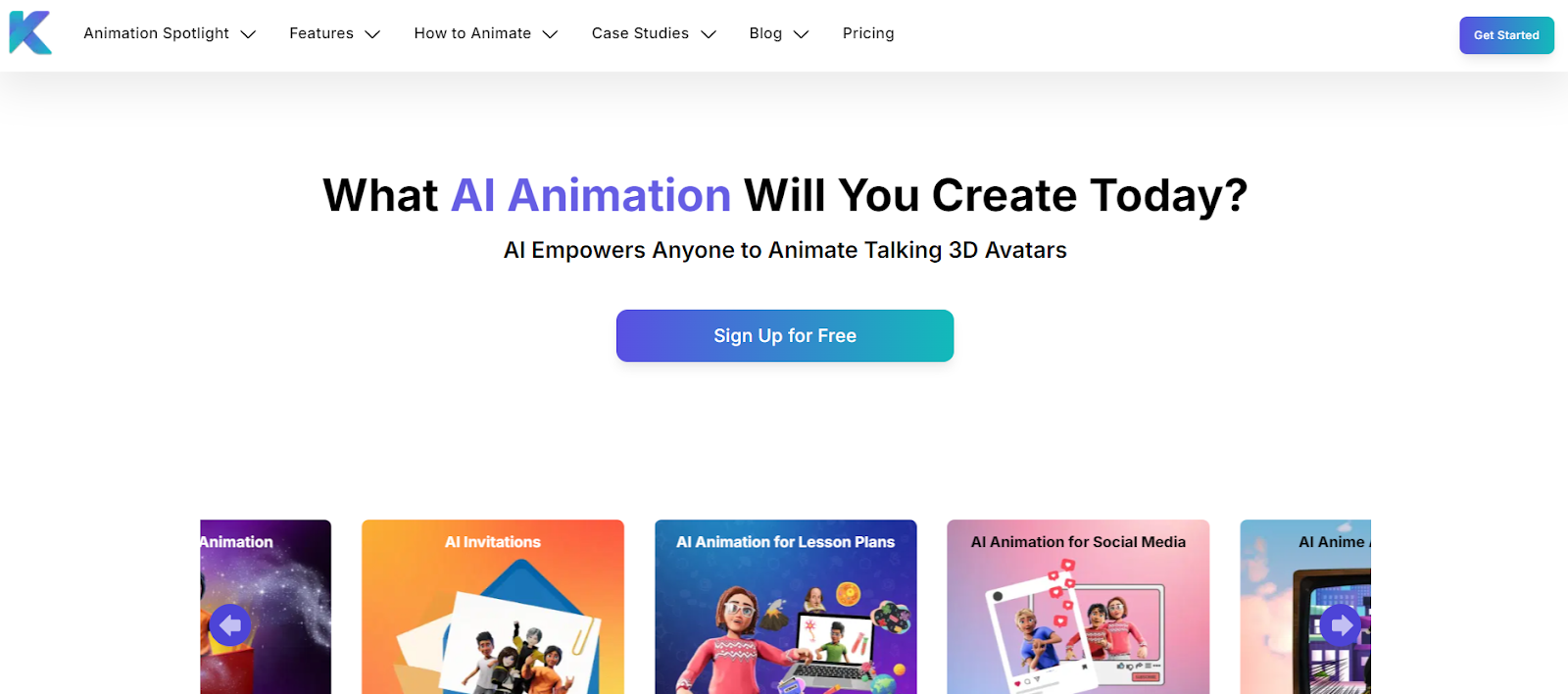
(Picture Credit: Krikey)
Since we’re on the subject of AI, here’s another 3D video maker called Krikey that uses AI to create amazing character animations for your B2B explainer videos. Apart from that, it can also create several 3D avatars for your social media animated videos and B2B presentations.
It has a Pro and a Team tier with even more functionalities, with the latter being a great option for B2Bs that are producing their videos in-house.
But do you notice something interesting here?
AI has come a long way since its chatbot days. Now making its way into full video productions and making the animation process even more fun. Wondering how AI-generated videos can play a huge role in your explainer video production workflow?
Our comprehensive ebook is your gateway to leveraging AI to the fullest. Complete with a step-by-step guide on how to get started, and several examples to show how AI got results that exceeded expectations. To learn more, download our ebook for FREE.
If you’re thinking about producing your own 3D explainer videos in-house, the previous methods can definitely help. But the truth is, 3D animation is a whole different ballgame altogether. It’s complex, time-intensive, and requires specialized skills and software. That’s why I strongly recommend hiring an external animation agency.
Working with a professional agency saves your precious production time, ensures high-quality visuals, and keeps your project on budget. Agencies have experienced teams who know how to bring complex ideas to life efficiently. They have faced challenges like tight timelines, tricky messaging, or evolving scripts and know how to navigate them without compromising quality. Plus, you get access to the full suite of tools, from 3D modeling and character animation to motion graphics and rendering, without the need of buying software or training staff.
If you’re interested in entrusting Broadcast2World with your 3D explainer video, you’re in good hands. All you have to do is contact us here to get started.
Picking the right 3D animation partner can feel a bit confusing, especially when everyone’s work looks impressive on the surface. But honestly, it’s not just about visuals — it’s about clarity. It’s about who actually gets what you are trying to say.
Because at the end of the day, your video isn’t just animation, it’s your story, your product, your idea. And if that part isn’t clear, even the best visuals won’t help.
So choosing the right 3D animation partner isn’t just about a slick portfolio, it’s about finding a team that gets your story before touching a single frame. Here’s what matters:
1. They start with questions: Who’s watching the video? What should they feel? What do you want them to do? A good partner asks before they create.
2. They refine, not just execute: The best studios challenge your ideas and make them stronger.
3. Their portfolio shows range: Look beyond their style — do their videos solve problems or handle different audiences, messages, and challenges?
4. They think strategy, not just deliverables: Timelines and formats matter, but the right team is thinking about an impact first.
5. They have handled your type of challenge: Whether it’s a complex message, a tight timeline, or a skeptical audience, proof of experience matters more than industry.
The difference between a video that looks good and one that actually works comes down to who you trust to make it.
If you are exploring your options, Broadcast2World is one of those teams that focuses on clarity and storytelling. We don’t just create animations — we work closely with you to shape the message so it actually lands.
So there you have it—animation is a powerful tool, and 3D explainer videos are especially so. There are many good reasons why top corporations and brands around the world use animation in their strategy, marketing, advertising, social media, and even internal training. And we saw some amazing examples of that along the way.
Now, where do you go from here? You can get started with your own 3D explainer videos, using this blog as your guide. Keep your curiosity high and your eyes peeled for how other B2B brands in your industry are using 3D animation.
Take notes on what they’re doing differently, and find ways to incorporate those ideas into your own explainer videos. This will ultimately help you attract your audience and expand your bottom line exponentially. One major point to keep in mind while creating a 3D video is to make sure the content resonates with your audience.
If you're looking for production companies specializing in animated explainers, you can connect with Broadcast2World to create engaging and high-quality videos tailored to your brand.

No Comments Yet
Let us know what you think