


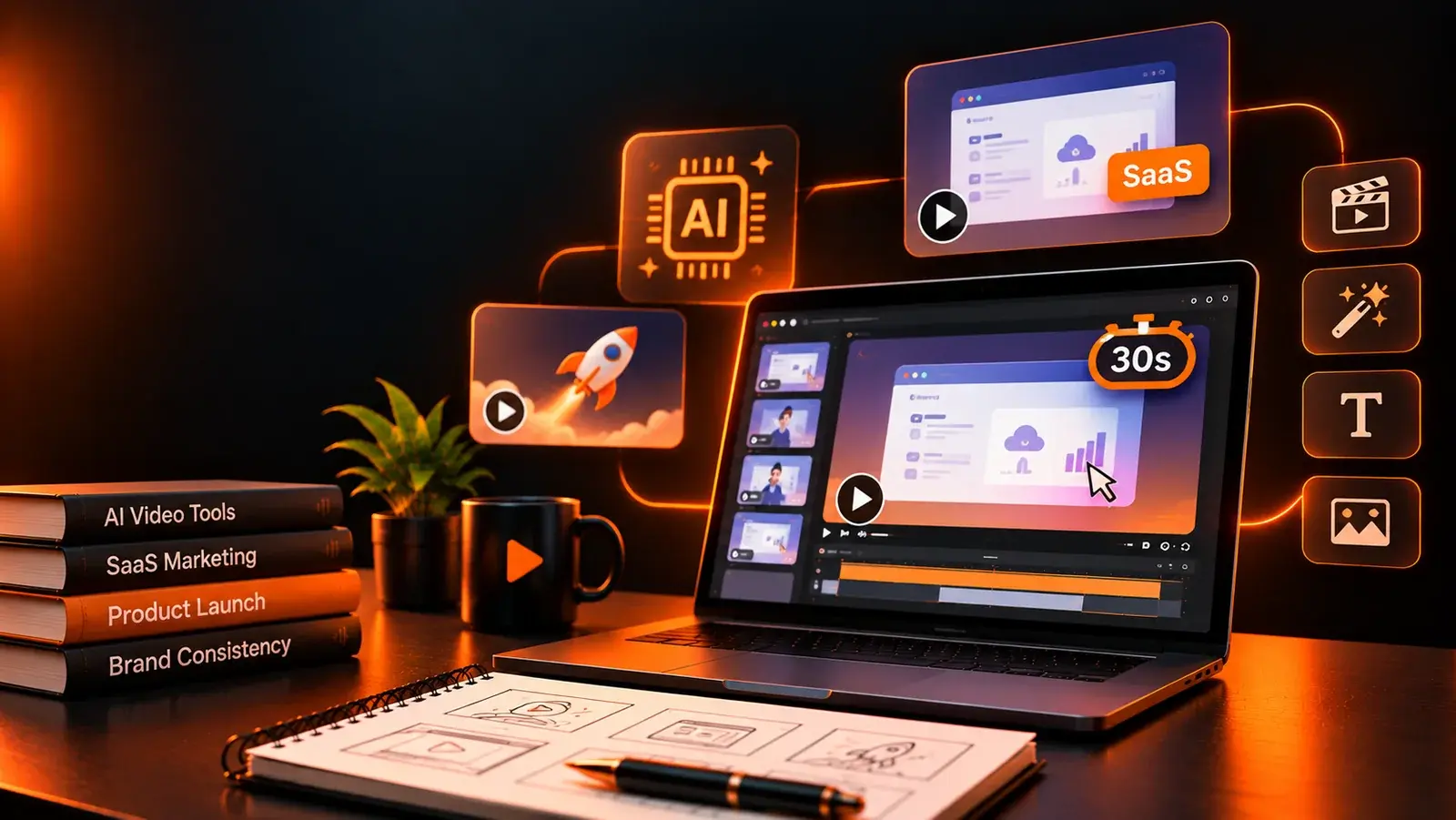

The fastest way to make a 30-second AI product video for a SaaS feature launch is to split the work by stage. Use one tool to generate the core scene from your real brand assets, then add tools for a presenter, translation, editing and resizing. No single platform does all of it well, and the order you use them in matters more than the logos in your stack.
Here is the familiar scenario. The feature ships on Tuesday, sales wants a clip for outreach on Wednesday, and the design team is booked until next month. AI video can close that gap, but only if the result still looks like your product and your brand. In practice, AI is strongest at first drafts, variations and fast-turn clips. The customer-facing hero version of a launch still needs someone directing it.
This guide walks through six tools in the order a launch video actually gets made. For each one, you will see what it does well, where it fits, and what to watch out for. If you want to see what finished launch videos look like first, these product launch video examples are a useful reference point.
Thirty seconds leaves room for one problem, one demonstration and one call to action. B2W's roundup of the best 30-second explainer videos shows how ruthlessly the strongest examples cut everything else.
AI adds a second challenge: drift. Until recently, most generators topped out at around 10 to 15 seconds per clip. Newer models such as Seedance 2.5 and Wan 3.0 now reach 30 seconds, but teams still regenerate and replace shots during review. Each new generation can shift the logo, the interface color or a presenter's face, and buyers notice.
A useful AI workflow for B2B video therefore has to pass three tests:
The list starts with the scene itself, because every later step depends on it. From there it moves outward: a human voice, other markets, a tighter edit and channel versions.
Picture Credit: YouArt
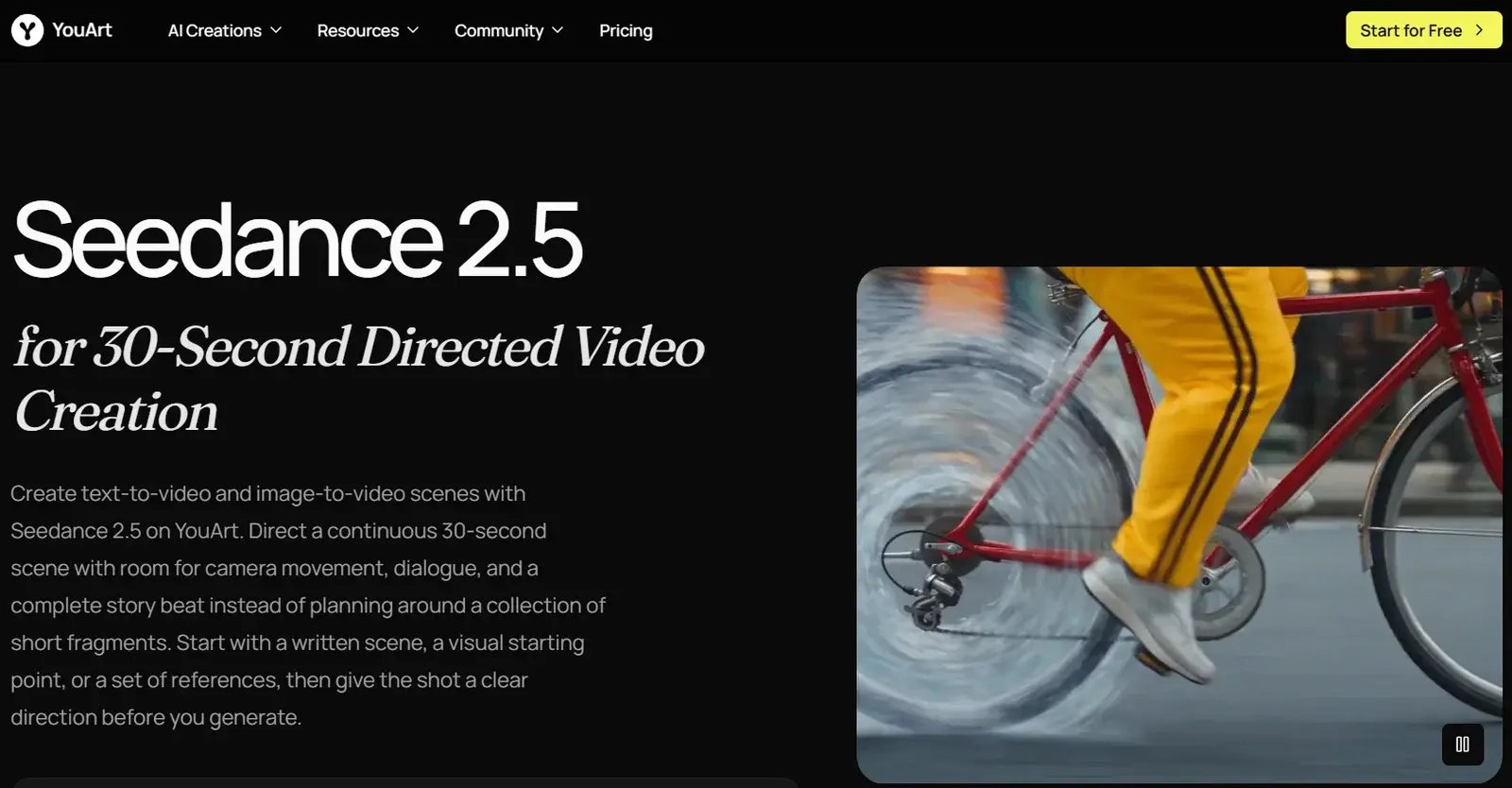
The core of most feature videos is a single scene: the problem, the product doing its job, and a branded closing shot. ByteDance's Seedance 2.5 is built around that structure. As an AI product video generator, it builds the full story arc in one take: up to 30 seconds of continuous video with synchronized audio in one pass, instead of several stitched clips.
The model is available through several platforms, including YouArt, which also lets teams switch to other models, such as Seedance 2.0 or Wan 3.0, in the same workspace.
The bigger advantage for B2B teams is reference control. According to ByteDance's Seedance 2.5 announcement, the model accepts up to 30 images, 10 video clips and 10 audio clips as references in a single generation. In practice, your product screenshots, logo files, brand color references and a sample camera move can all inform the same brief.
Review is where the model saves the most time. ByteDance describes targeted editing of characters, actions or details within specific clips after generation, and YouArt presents this as localized region editing: you change one area, such as a prop, an outfit or part of the background, while the approved timing and camera movement stay intact. Audio is generated alongside the video, including dialogue, music and sound effects, so the voice line can land on the same beat as the product reveal.
Best for: a first, on-brand draft of the core launch scene. Watch out: plan the scene before you generate. A brief with one clear job beats a crowded folder of references. Also check the platform's commercial-use terms and upload only assets you own. ByteDance's video models have drawn copyright complaints from major studios, so keep prompts free of third-party characters and brands. These legal risks of AI-generated content are worth reviewing before anything goes public.
Picture Credit: Runway
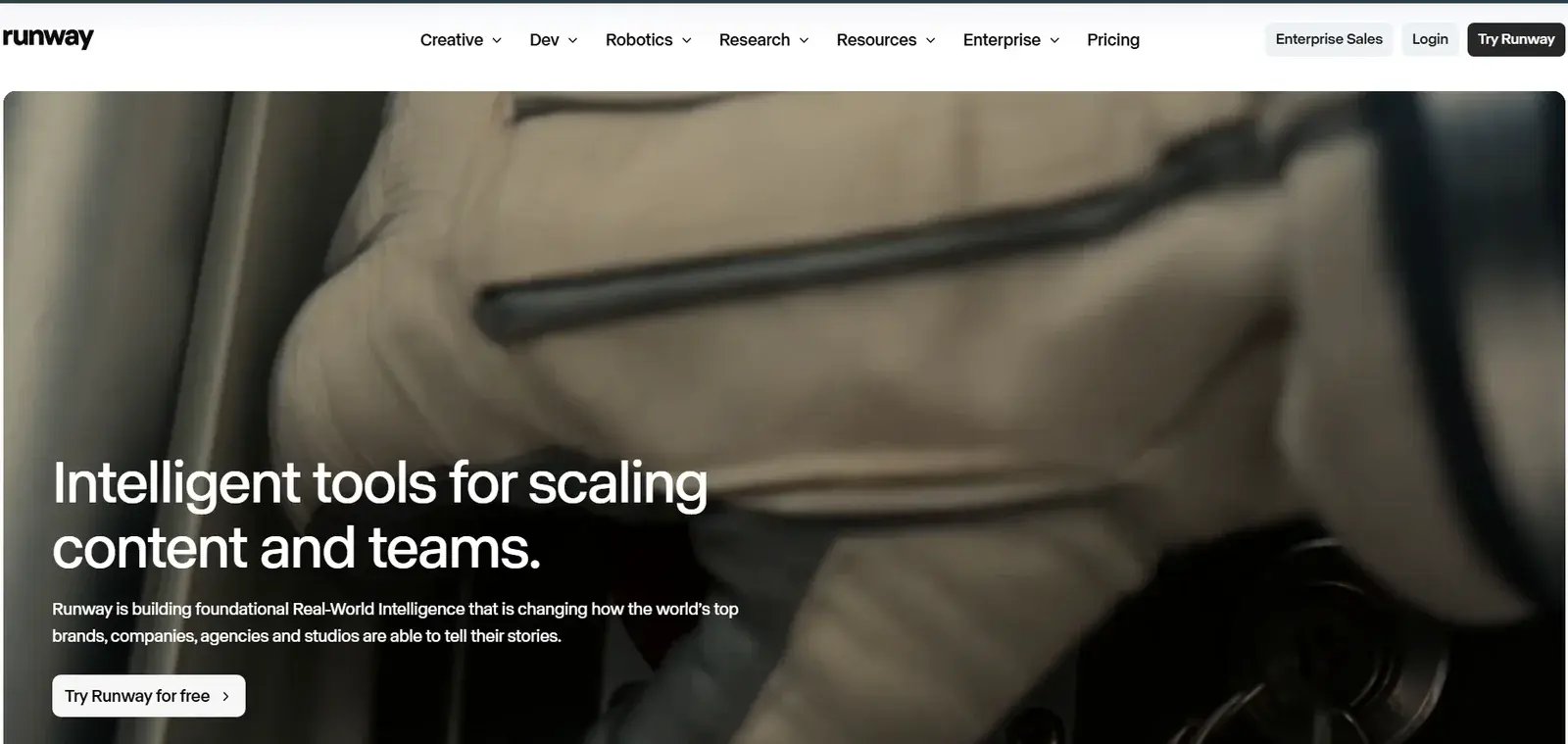
Once the core scene exists, some teams want finer control over individual shots, such as a new camera angle, different lighting or a replaced background. Runway is a natural next stop. Its Gen-4 models introduced reference images to keep characters, locations and objects consistent across scenes, and Gen-4.5 is now its main text-to-video and image-to-video model. Aleph 2.0, Runway's video editing model, changes selected elements of existing footage without losing the original motion.
That makes it a good partner for polishing a hero shot, or for placing the same product scene in a different setting for another campaign. A team might keep the original scene for the main cut, for example, and use Runway to relight the closing product shot for an event-themed version.
Best for: refining or restyling specific shots. Watch out: shot-by-shot work takes longer, so save it for the moments buyers will pause on.
Picture Credit: Synthesia
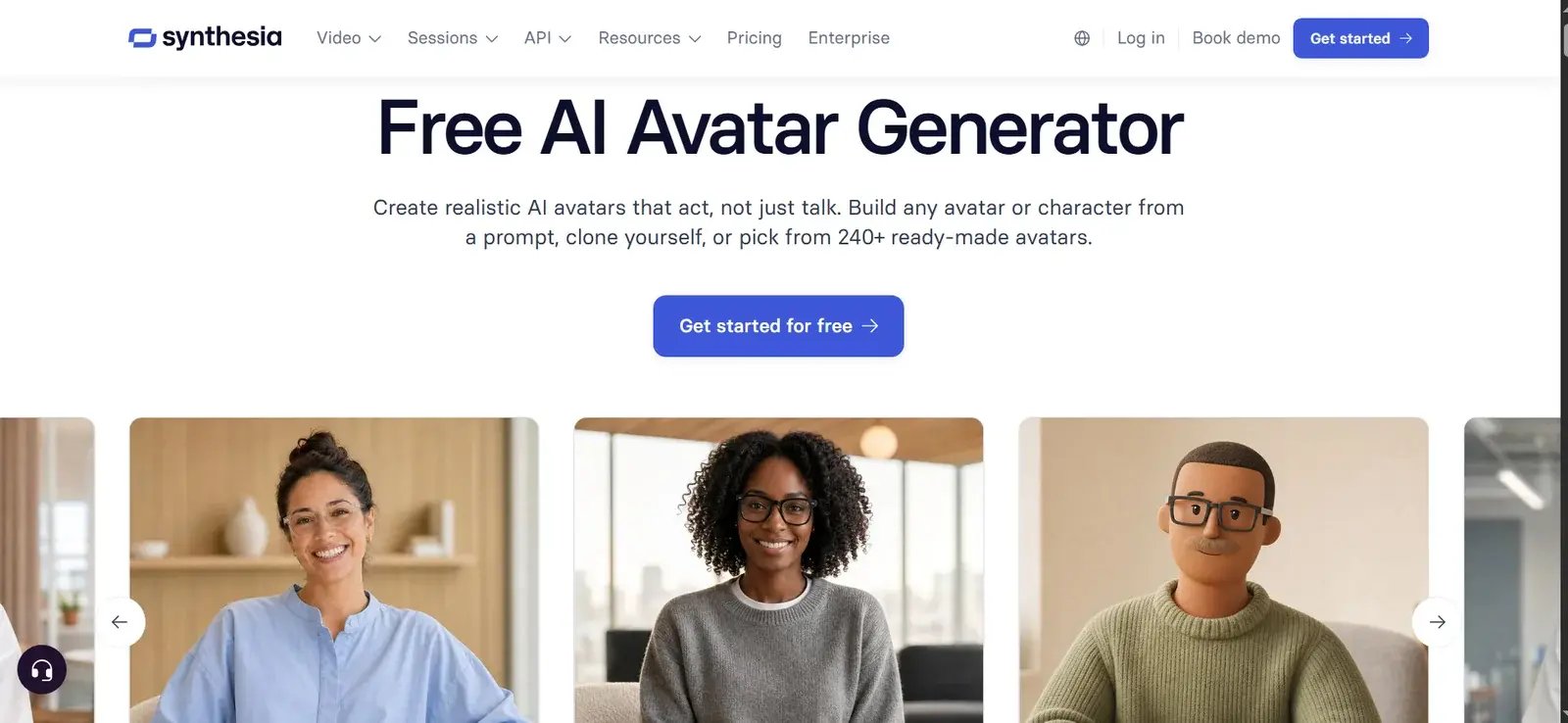
Not every feature video should be pure product footage. When a launch needs a familiar voice for existing customers, such as a product manager walking through a change, an avatar presenter can carry the message. Synthesia builds videos around AI avatars from a written script, and on Enterprise plans, its brand kits keep logos, colors and fonts consistent.
It pairs well with the scene from step one. Open with the presenter naming the problem, cut to the product scene, and return to the presenter for the call to action. Avatars work best in help centers, onboarding flows and sales enablement, where speed and consistency matter more than distinctiveness. On a homepage or in a paid campaign, a stock-looking presenter can make the launch feel generic, which is why many teams use animated product demos for those placements instead.
Best for: customer updates, onboarding and sales enablement clips. Watch out: keep scripts short and conversational. At a natural speaking pace, 30 seconds holds roughly 60 to 75 words.
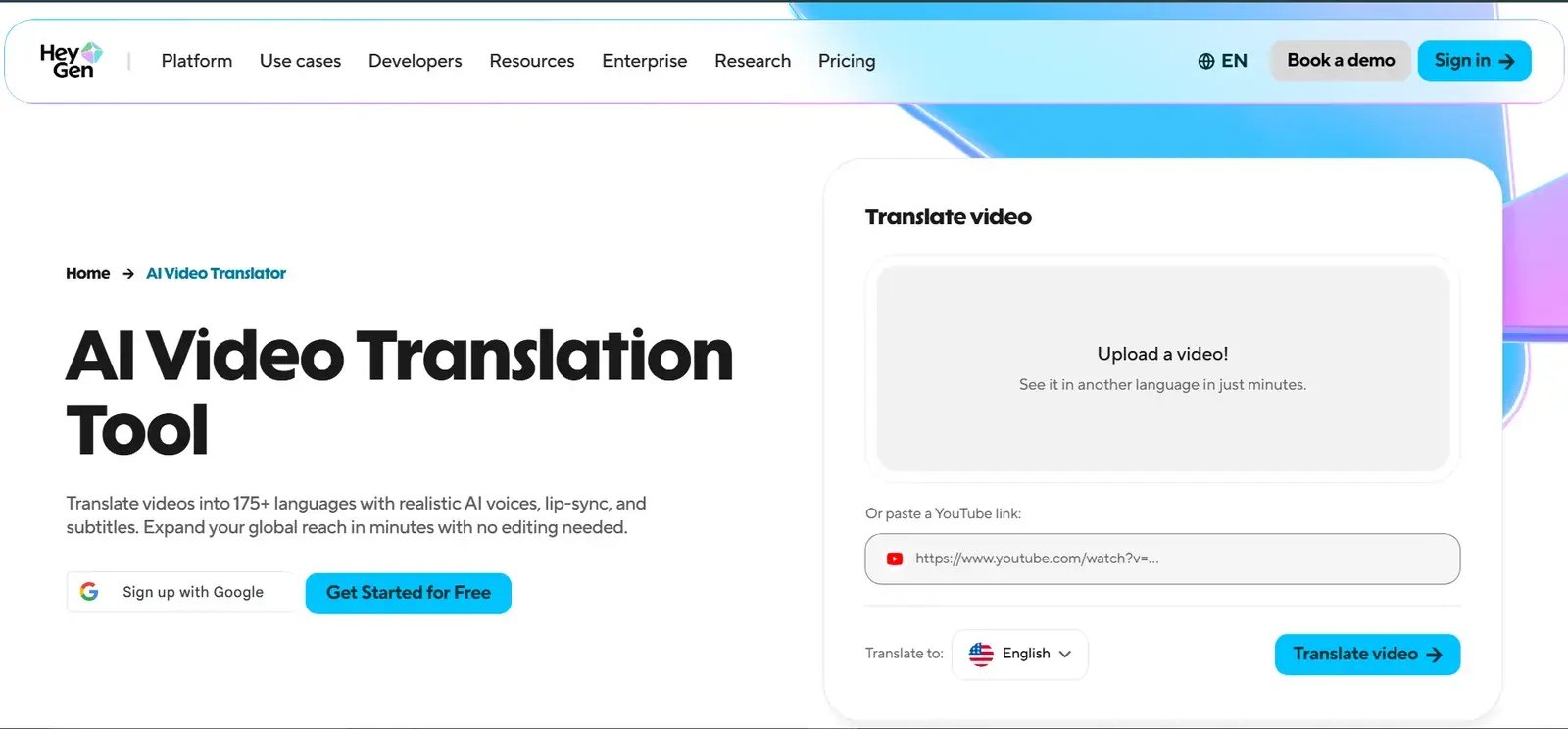
Picture Credit: HeyGen
A launch rarely stays in one language for long. HeyGen's video translator converts an existing video into more than 175 languages and dialects, with voice cloning and lip sync, according to the company.
For a SaaS team that sells in several regions, that turns one approved 30-second video into a set of local versions without re-recording anything. It works best for presenter-led clips, where lip sync matters most. Subtitled versions of a product-only scene are often enough for social feeds. It also helps to plan language versions before production, so on-screen text and timing leave room for longer translations.
Best for: multilingual launch and sales clips. Watch out: ask a native speaker to check product terms, which translation engines often get wrong.
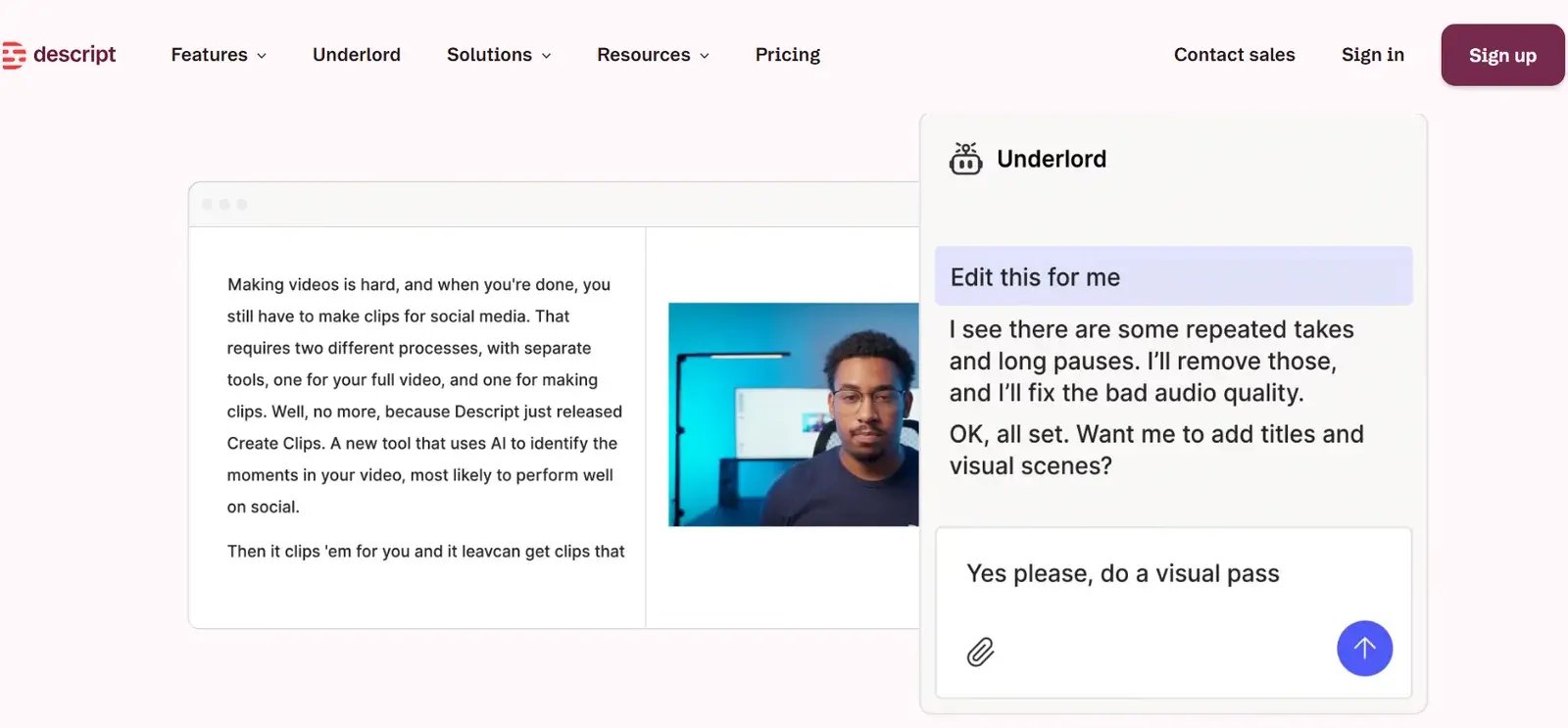
Picture Credit: Descript
Many teams already have a longer demo recording or webinar for the feature. Descript lets you edit video by editing its transcript: delete a sentence in the text and the matching footage goes with it. That makes it a quick way to cut a ten-minute walkthrough down to the 30 seconds that matter, or to clean up filler words in a presenter take.
Best for: turning existing recordings into short cuts. Watch out: tight transcript edits can make visuals jump, so cover the cuts with product footage from step one.
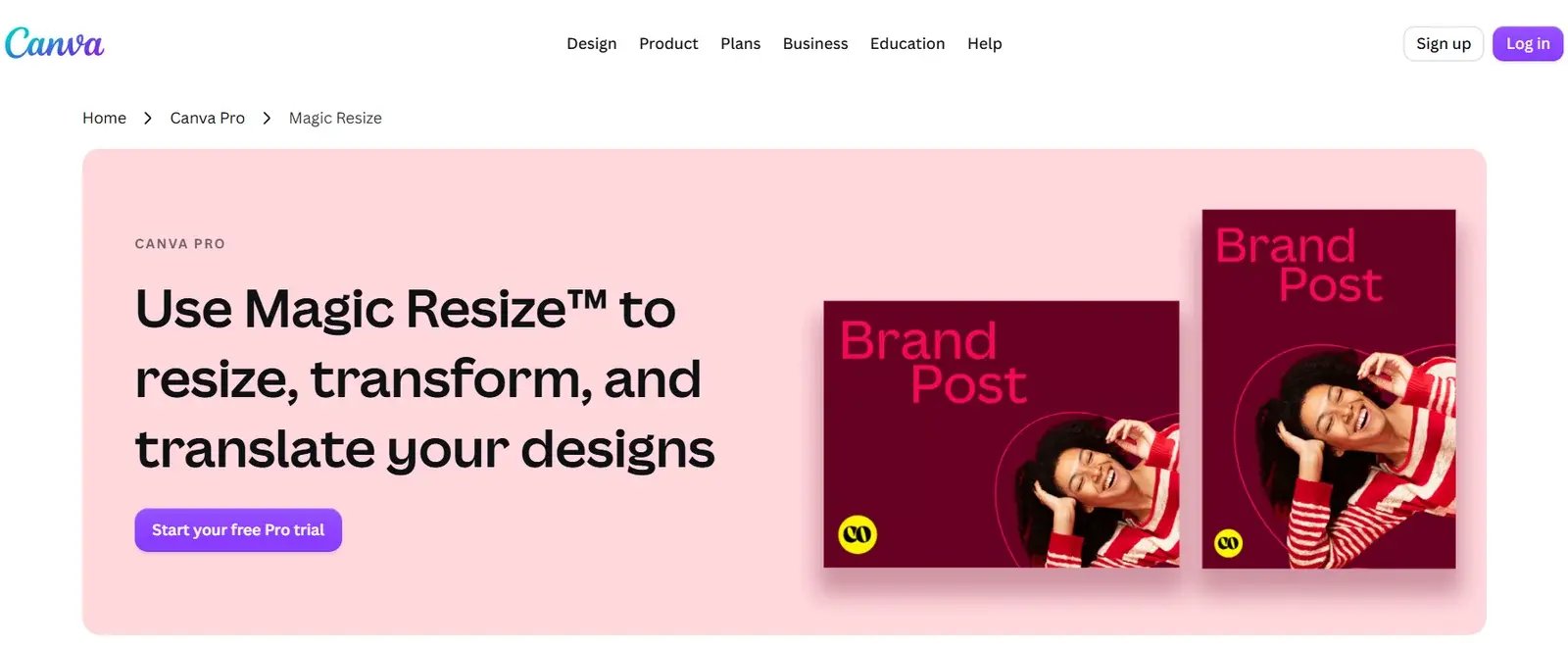
Picture Credit: Canva
The last step is distribution. The same 30-second product video usually needs a vertical cut for social feeds, a square version for LinkedIn and a landscape version for the website. Canva's Magic Resize adapts a design to new formats, and its Brand Kit keeps fonts, colors and logos consistent across every version. Magic Resize is a paid-plan feature.
Best for: fast, on-brand cutdowns and captions. Watch out: treat resizing as a starting point and check that captions and key product details still sit inside each platform's safe area. This guide to video aspect ratios and pixel sizes lists the specs for each channel.
The tools above only work as well as the brief behind them. Before your team generates anything, agree on these five points:
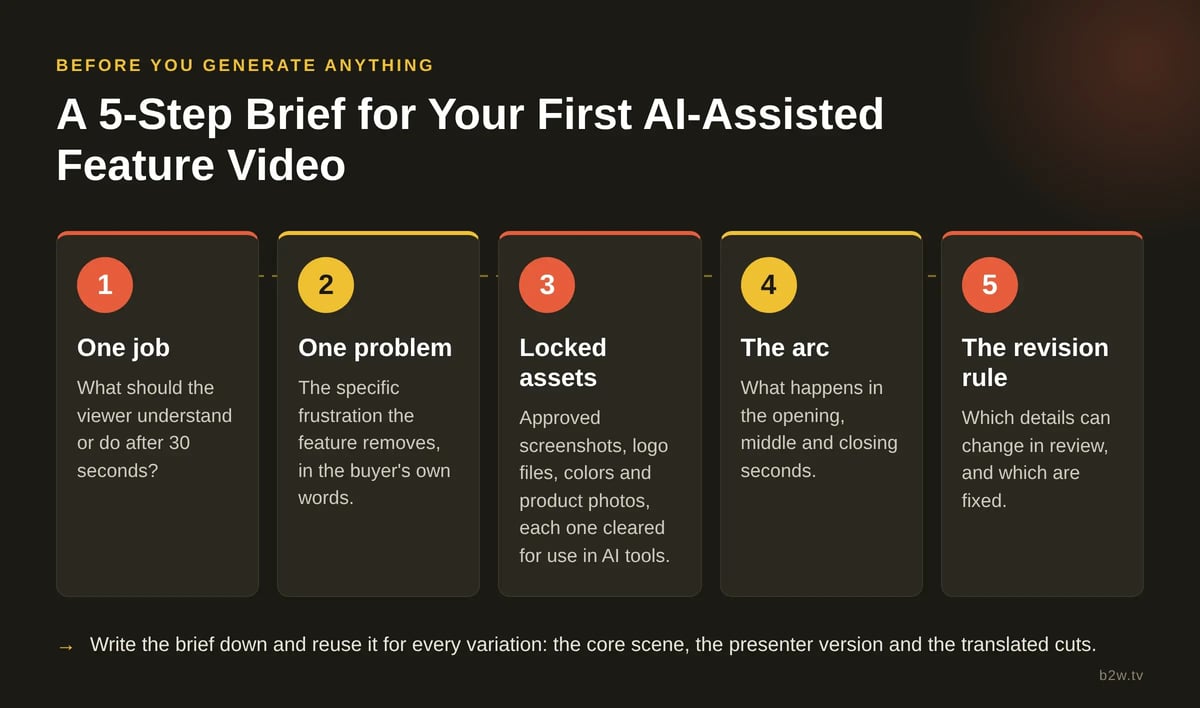
A five-point brief keeps every AI-generated version of a feature video telling the same story.
To see how the pieces fit, take a hypothetical project management SaaS shipping an automated reporting feature. The team defines one job (show managers they can skip the Friday status meeting), loads approved dashboard screenshots and the logo into an AI product video generator, and generates a 30-second AI product launch video that moves from a cluttered inbox to a finished report.
A product manager avatar in Synthesia records a short intro for existing customers, HeyGen produces Spanish and German versions, and Canva turns the result into three channel formats. Descript then trims the recorded launch webinar into a supporting clip for the help center.
Write the brief down and reuse it for every variation. It keeps the core scene, the presenter version and the translated cuts telling the same story.
AI tools are strongest at speed: concept drafts, social variations, localized versions and quick updates after a release. They are weaker at the work that decides whether a video persuades, such as finding the right story, writing a script that starts from what the buyer already believes, and making an abstract product feel concrete. Fully AI-generated clips also tend to drift from brand guidelines over a long review cycle. That is acceptable for an internal draft and costly on a homepage.
Broadcast2World's own AI-assisted projects show where the line falls. AI saves real time on base elements, such as concept art, background assets and draft voiceovers. But client videos need very specific artwork, and once a scene needs a precise tweak, prompting alone tends to drift. So the team generates base elements with AI, then refines them in standard tools like Adobe's suite until every frame matches the brief. The time saved comes from the early stages, not from skipping the craft.
An AI-assisted product teaser for Aiven for ClickHouse, produced by Broadcast2World for teams running analytics workloads in the cloud.
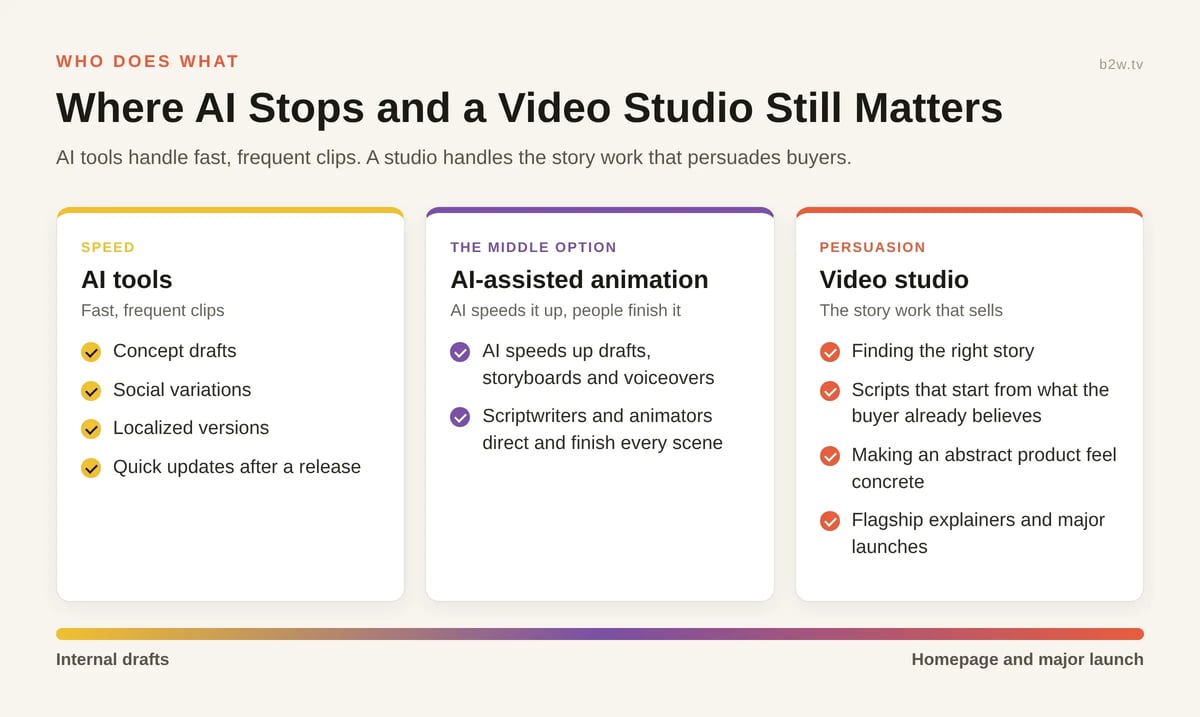
AI tools handle fast, frequent clips; a studio handles the story work that persuades buyers.
That is why many B2B teams use both. AI handles the fast, frequent clips, while a flagship explainer for the homepage or a major launch goes to a specialist team. A growing middle option is AI-assisted animation, where AI speeds up drafts, storyboards and voiceovers, and scriptwriters and animators direct and finish every scene.
This comparison of AI vs custom animation breaks down when each approach fits. B2W's guide to AI video generators explains where AI fits into a production workflow and where human creativity still makes the difference.
A strong 30-second SaaS product video still starts with one problem and one clear change. Use AI video tools to move faster through generation, presentation, translation, editing and resizing, and keep your brand assets locked from the first frame to the last. Let AI carry the drafts and variations, and keep a person directing anything that speaks to buyers on your behalf.
If your next launch needs a flagship explainer, or an AI-assisted video that moves faster without drifting off-brand, talk to the Broadcast2World team about SaaS video production that turns your product story into an animated video your buyers will remember.
Jolie Liu is a growth marketer at YouArt, where she helps startups create promotional videos for new product and feature launches. Her work focuses on feature launch campaigns, AI-assisted video creation, and product storytelling.
No Comments Yet
Let us know what you think