



.webp)
| AI video generators have transformed how businesses create videos, making it faster to move from idea to execution. From AI video script generators to AI powered video generation tools, today’s best AI video generators help teams create a video with AI across formats like explainers, marketing videos, and animations. This guide breaks down the complete script to screen workflow, covering AI video creation platforms, AI video maker apps, and AI animation software that simplify production while improving speed and consistency. It also explains when AI video production tools work best and when human creativity is essential for high impact, brand ready results. |
If you haven’t heard about AI by now, we can only assume you’ve been living under a rock or just woken up from a coma.
There’s no dearth of spirited discussion around AI, especially in our industry of video production.
But is it all marketing hype?
Or is there something to the hysteria around how it will decimate jobs and replace skilled workers?
It’s time to set the record straight and figure out what’s really going on.
AI has already started revolutionizing traditional workflows in all sorts of industries, offering a whole new level of efficiency at every stage.

And it’s no exception when it comes to animated video production.
From in-house teams to almost every explainer animation video agency out there, AI has (and is continuing) to make workflows go from good to great.
Using AI, you can:
By integrating AI into the production workflow, creators can unlock unprecedented efficiencies, scalability, and creativity.
Additionally, organizations seeking to build custom AI-powered tools for their specific production needs can partner with an AI agent development company to create specialized solutions.
To understand how these AI tools can be customized for better results, checking out prompt engineering examples can provide practical illustrations of how to enhance AI-driven workflows.
And this is already reshaping the future of animated video production.
That said, it’s not some magical perfect solution.
AI comes with a learning curve, and there are drawbacks you should be aware of before blindly leaping in with both feet.
So let’s explore this amazing new world– good and bad.
So how does it all work?
Let’s start by looking at the most popular AI tools and what they do.
This is where ai for video script writing plays a powerful role.
Here’s how you can use AI to write scripts for you – with the right prompts and instructions, of course. Best rewriting tools can further help refine your scripts, making them sound more natural, authentic, and aligned with your intended context.
To keep things practical, we’ll go down the list of the most popular AI tools at each stage of the process.
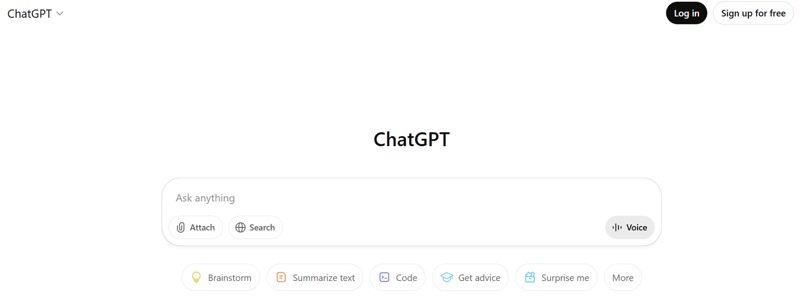
ChatGPT, developed by OpenAI, revolutionizes scriptwriting by using advanced natural language processing.
Operating on predictive text generation, ChatGPT analyzes prompts to generate coherent responses, accelerating scriptwriting and fueling creativity, making it the leading AI script generator. At the same time, smart marketers often run their final drafts through an AI detector to double-check originality and ensure the content feels authentic.
Pricing: ChatGPT offers several pricing tiers, ranging from a free version to premium Plus and Pro plans priced at $20/month and $200/month, respectively.
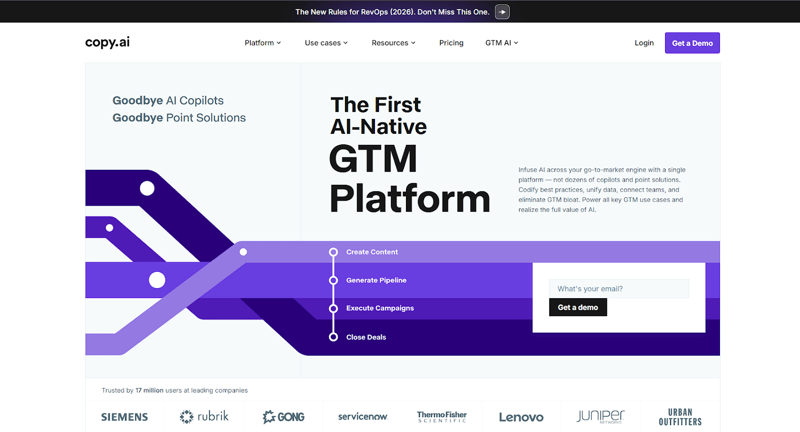
Copy.ai is a popular AI writing tool designed to streamline scriptwriting and marketing content creation through advanced language models.
By analyzing user inputs and predefined tones, Copy.ai generates structured, engaging scripts quickly, making it a reliable tool for explainer videos, ads, and short-form video content.
Pricing: Copy.ai offers a Free plan with limited usage, along with paid plans starting at around $29/month for Chat plan, $249/month for Agents plan, with custom pricing for Enterprise plan.
The next stage is AI image generation.

Midjourney, also accessible on the Discord chat platform, has gained prominence in the creative industry for its endless versatility and is a go-to platform for artists and designers seeking inspiration and creative expression.
It’s fairly simple to use, and you can generate rough sketches for ideations, illustrations in any style, and photo-realistic images of anyone and anywhere - within seconds.
Pricing: The subscription plans for Midjourney are as follows: Basic Plan - $10/month, Standard Plan - $30/month, Pro Plan - $60/month, and Mega Plan - $120/month.
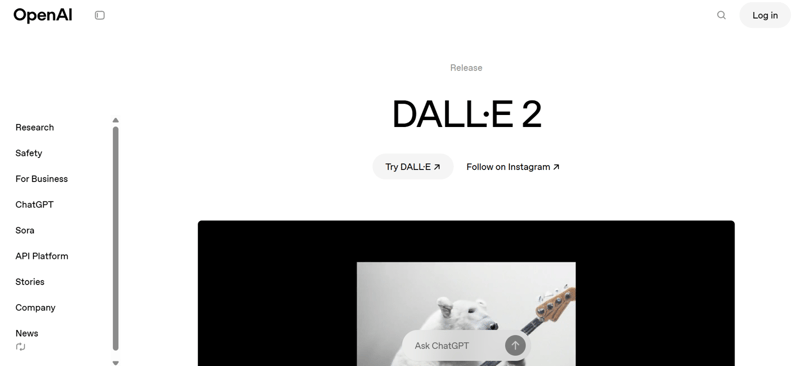
DALL-E, also developed by OpenAI, can produce a wide range of images, spanning from everyday objects to fantastical creatures and surreal landscapes.
To get the best results, you simply need a good understanding of prompts and know how to use images with ChatGPT effectively.
Pricing: As Dall-E is integrated into ChatGPT, it is available with paid plans like Plus and Pro, i.e., $20/month and $200/month, respectively.
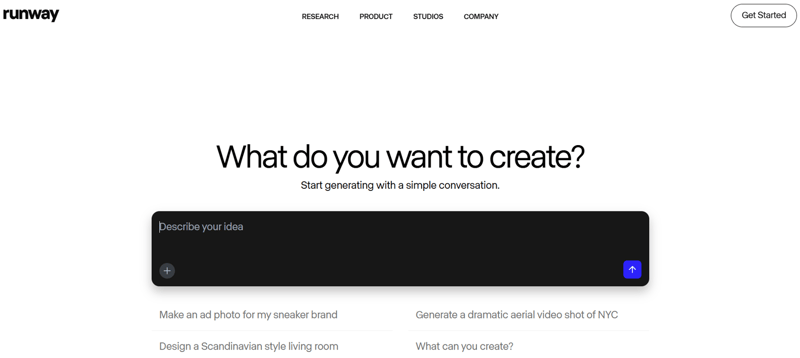
RunwayML stands at the forefront of AI and creative expression convergence, offering over 30 tools and models spanning image generation, style transfer, object detection, and motion tracking.
Modern AI agents can manage these generation workflows—evaluating output quality, selecting best-fit visuals, and queuing iterations based on prompt feedback.
Pricing: RunwayML also offers several pricing plans, ranging from a free version to Standard plan at $12/month and a Pro plan at $20/month.
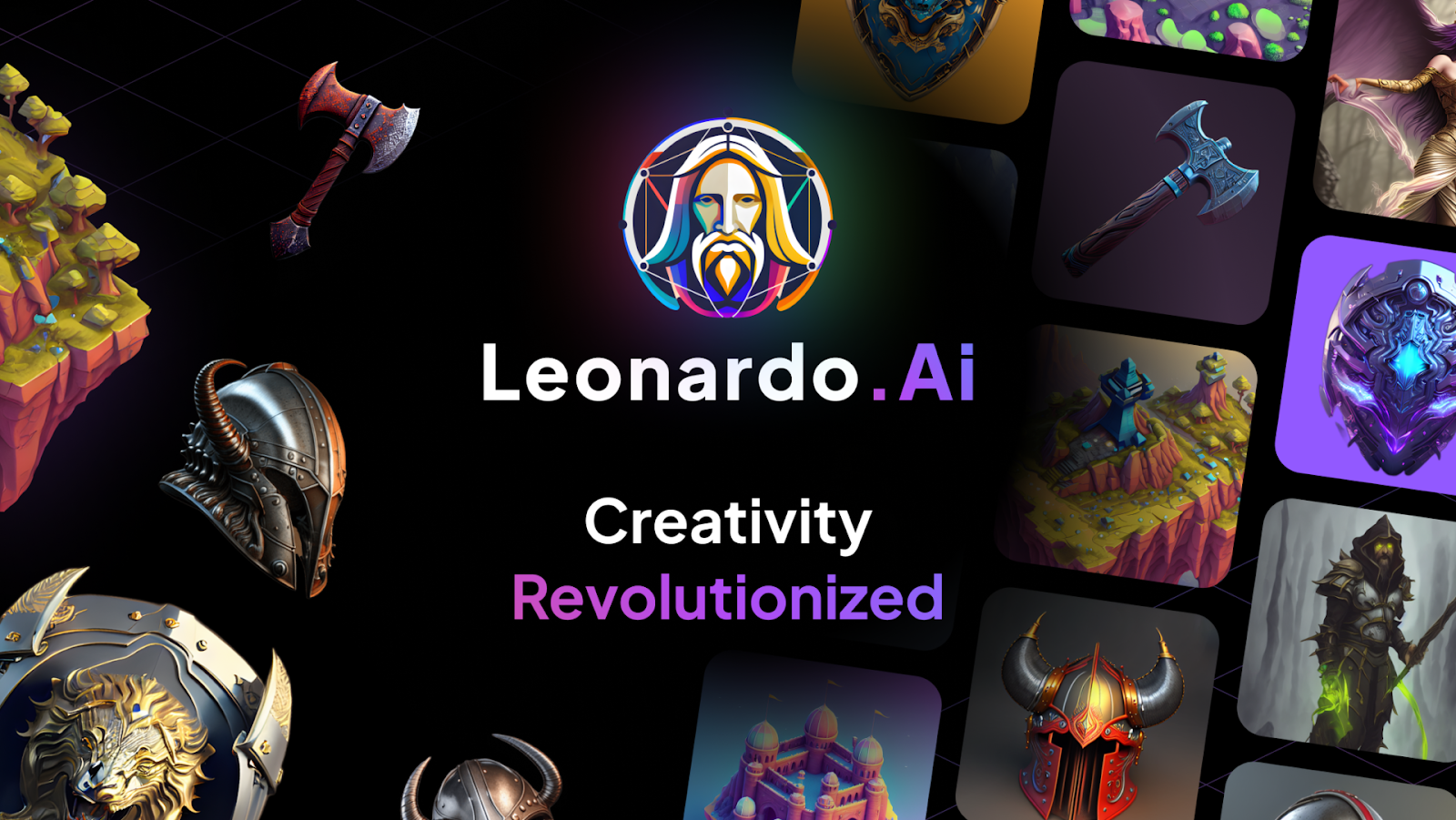
Leonardo.ai lets users generate multiple high-resolution images through text prompts.
It boasts real-time editing and customization, 3D texture generation, and motion asset production, and has the ability to train custom image models.
Pricing: Price range starts from free version moving on to paid tiers as Apprentice at $10/month, Artisan Unlimited at $24/month, and Maestro Unlimited at $48/month.
DreamStudio AI, developed by Stable Diffusion, offers seamless image creation from text prompts.
With advanced features such as CLIP Guidance and Image-To-Image, it caters to diverse applications, from artwork creation to business visuals and educational materials. It also features affordable pricing plans.
Pricing: DreamStudio AI follows a credit-based pricing model, offering free starter credits upon sign-up. Users can purchase additional credits on a pay-as-you-go basis, starting at around $10 for 1000 credits.
Now let’s look into the transformative power of artificial intelligence in reshaping the future of video production and storytelling. We'll also guide you through how to use AI video generator.
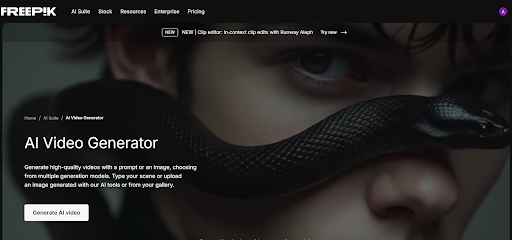
(Picture Credit: Freepik)
Freepik AI Video Generator offers a new approach to creating dynamic clips by combining creativity with artificial intelligence. It enables users to create engaging stories without needing advanced technical knowledge, making the process of making high-quality videos more accessible and efficient.
Begin with simple text prompts and add references that define the mood, style, or genre of your video. The tool interprets these instructions to generate coherent sequences, allowing you to adjust details and refine the narrative. This process helps creators explore multiple variations and achieve a polished result that aligns with their vision.
Pricing: Freepik AI video generator is available across multiple subscription plans, including a Free plan (limited access), Essential ($5.75/month), Premium ($24.50/month), with higher tiers offering more AI credits and advanced features for video creation.
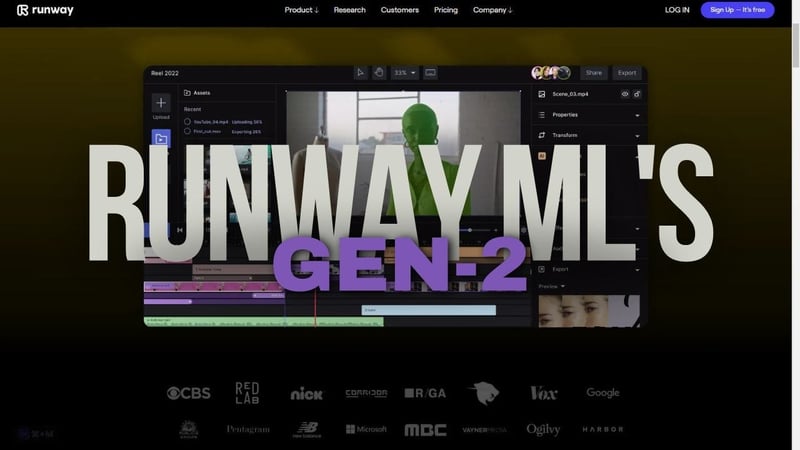
As covered earlier, RunwayML offers a range of tools, including the "TI" tool for generating images.
For video generation, there are two tools: "Gen 1" and "Gen 2".
While Gen-1 transforms existing videos using textual instructions, Gen-2 users can generate videos not only with text prompts but also image references, making it a powerful tool for video generation.
Users can input descriptive text prompts and specify key elements such as characters, scenes, and actions.
Gen-2 dynamically interprets these prompts to generate video content.
You can also experiment with different text inputs to explore various narrative possibilities and visual styles, enabling greater customization and refinement.
Here's an example of a video we created using RunwayML:

Pricing: RunwayML offers a range of plans from a free tier with initial credits to a Standard plan at $12/month, a Pro plan at $28/month, and an Unlimited plan at $76/month, each providing increasing monthly credits and access to Gen-2 and other AI video-generation features.
Pika.art has emerged as a prominent player in the ai video generation platform arena, disrupting the industry with its innovative approach.
Similar to RunwayML, users can input a text prompt alongside an image or video reference to generate customized videos.
However, unlike RunwayML's diverse toolset, Pika.art concentrates solely on video generation, offering a focused solution to creators.
Pika.art allows you to create video using distinct categories of tools, including Text-to-video, Image-to-video, and Video-to-video through text inputs.
Pika.art's intuitive interface and focused feature set streamline the animation process, empowering creators to bring their ideas to life with clarity and impact.
Here's a video created using Pika.art:

Pricing: Pika.art offers plans ranging from a Free tier with limited credits to paid plans including Basic ($8/month), Standard ($28/month), and Fancy ($76/month), with increasing access to AI video-generation.
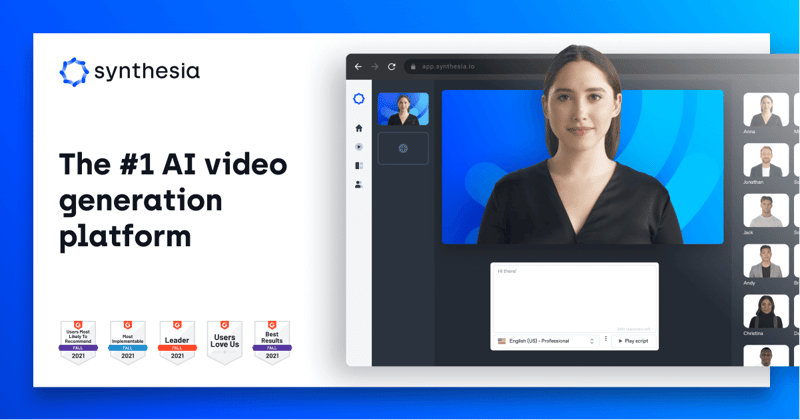
Powered by generative AI technology, Synthesia facilitates the creation of avatars capable of speaking in multiple languages and accents, thereby enabling effortless localization of content.
With convincingly human gestures and facial expressions, these avatars find applications across various domains, including training materials, promotional content, educational videos and explainer videos.
Pricing: The pricing offers a Free plan ($0/month) with limited video creation, a Starter plan at about $18-$29/month, a Creator plan at around $64-$89/month, and Enterprise plans with custom pricing for unlimited use and advanced features.
Descript caters to a diverse user base spanning from social media content creators to corporate and educational sectors.
Users initiate the video creation process with a script, incorporating AI-enhanced footage and text-generated audio seamlessly.
Its user-friendly interface enhances editing efficiency through intuitive features such as text-driven timeline adjustments.
Pricing: Descript offers several plans, including a Free plan for basic editing, a Hobbyist plan at $16/month, a Creator plan at $24/month, a Business plan at $50/month, and custom Enterprise pricing for larger teams with advanced needs.
Of course, no video is complete without a good soundtrack, sound effects (SFX) and voiceovers.
And there’s a range of AI SFX generators and AI music generators to choose from.
By using text prompts, AudioGen empowers users to effortlessly create, explore, and organize a diverse array of music and sound effects.
Pricing: AudioGen offers a Free plan with limited generations (100 per month), an AudioGen Plus plan at $5/month with more generations (1000 per month), and Enterprise plans with custom pricing for businesses needing higher limits and API access.
MusicGen, developed by Meta and accessible via HuggingFace, is primarily geared towards experimentation and research, compared to the more polished AudioGen.
Despite its experimental nature, MusicGen benefits from Meta's robust R&D support, yielding compelling results.
In today's digital age, creating professional-quality voiceovers has never been easier or more accessible.
With the advancements in AI-driven technologies, generating text-to-speech allows creators to produce realistic and natural voiceovers rapidly without compromising quality.
Particularly with tools like Genny, users can craft voiceovers that sound lifelike, enhancing engagement and scalability across various media formats.
Delve into a new era of content creation where ultra-realistic voices empower creators to communicate their stories like never before.
Pricing: MusicGen is an open-source model and is currently available for free, with no subscription fees.
While you’re busy exploring this new world of AI generated content, don’t forget the importance of a good voiceover / narration!
And yes, this is yet another area where AI generation is emerging.
Let’s look at the best tools available out there.
ElevenLabs leads the field in natural-sounding speech synthesis and text-to-speech tools driven by AI.
Through its Speech Synthesis tool, the platform dynamically adjusts intonation and pacing based on contextual language input, enabling the detection and expression of emotions.
Pricing: ElevenLabs offers a Free plan, along with a Starter plan at $5/month, a Creator plan at $11/month, a Pro plan at $99/month, and Enterprise plan with custom pricing for larger teams and advanced needs.
Play.ht presents an advanced AI-driven voice generation platform, boasting a diverse library of over 907 AI voices meticulously crafted to offer lifelike Text-to-Speech conversions effortlessly.
The platform also features easy downloading of generated audio files in popular formats like MP3 and WAV.
Pricing: Play.ht pricing are as follows - Free plan ($0/ month), Creator plan ($31.20/month), Unlimited plan ($49-$99/month), and Enterprise plan with custom pricing.
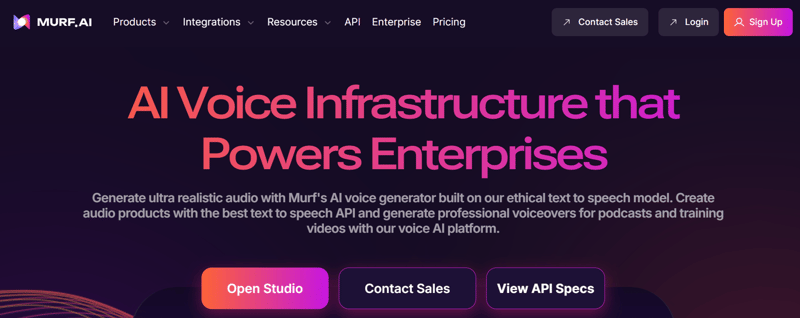
Murf AI emerges as a robust AI voice generation solution harnessing generative AI and machine learning to deliver authentic voiceovers for diverse projects.
Boasting a repertoire of over 120 human-like voices across 20 languages, users can effortlessly find the ideal voice for their projects. Murf AI also comes with millions of stock music, image, and video assets.
Pricing: Murf AI currently supports three plans — Free Trial with 200 credits, Pay-as-you-go upto 10,000 credits at $5 minimum purchase and a customizable Enterprise plan.
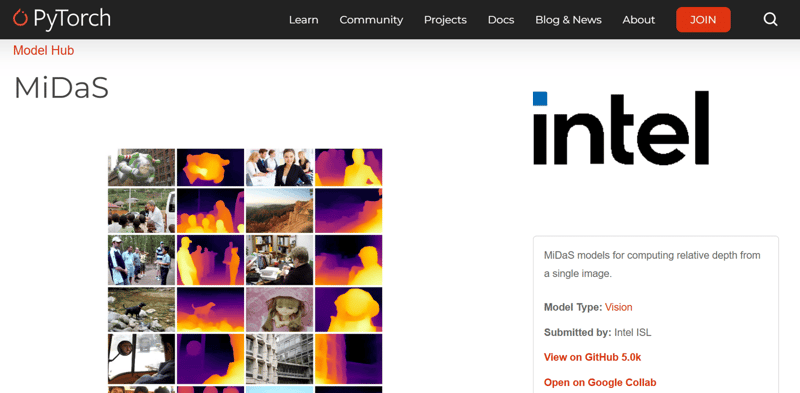
MiDaS stands as an innovative AI tool designed to generate 3D depth maps from user-submitted images.
These 3D depth maps can seamlessly integrate into animation software like Adobe After Effects, enriching still images with depth and enabling captivating animations.
Pricing: MiDaS is an open-source depth estimation model available for free under an MIT License, with no subscription or licensing fees.
D-iD AI offers a comprehensive suite of AI-powered tools tailored to transforming scripts into engaging videos.
Among its impressive array of features, one standout tool is the ability to transform any portrait photo into a talking avatar.
Pricing: D-iD offers a Free trial for 14 days, a Lite plan at $4.7/month, a Pro plan at $16/month, and an Advanced plan at $108/month.
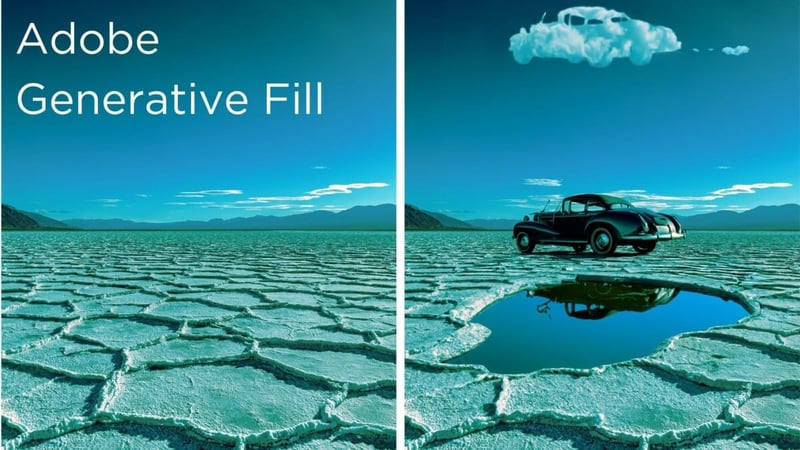
Adobe, a stalwart in the industry renowned for software like Illustrator and Photoshop, has also embraced the potential of AI with the introduction of the 'Generative Fill' feature.
Pricing: Included in Adobe Creative Cloud plans (Standard - $54.99/month, Pro - $69.99/month) with optional extra generative credits from $4.99/month.
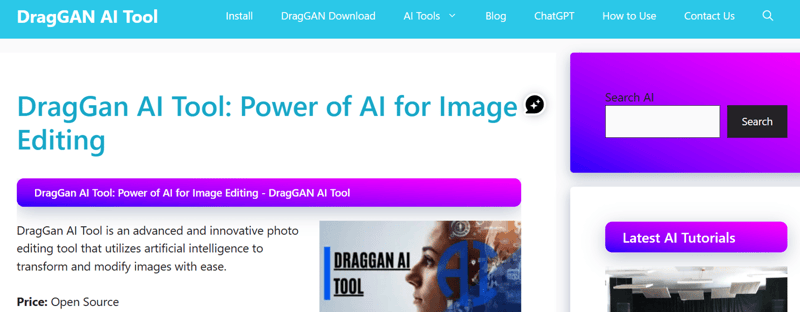
DraGAN, short for Drag Your GAN, represents a cutting-edge AI tool engineered for enhanced flexibility, precision, and generality in visual content synthesis.
Pricing: Free and open-source with no subscription fees.
Kaiber emerges as a powerful AI-driven video generation tool, where AI video add creation by empowering users to transform their ideas into captivating visual narratives.
With Kaiber, users can breathe life into their concepts by generating stunning videos from their own images or textual descriptions.
Pricing: Kaiber’s subscription plan offers Free plan ($0), Creator plan ($29/month), Pro plan ($149/month), and Visionary plan with custom pricing, plus optional credit packs (e.g., 300 credits for $5, 1000 credits for $15, etc.).
|
Stage
|
AI Tools
|
What They’re Best For
|
Pricing
|
|
Scriptwriting
|
ChatGPT
|
Fast script drafts, ideas, and revisions
|
Free, Plus $20/mo, Pro $200/mo
|
|
Copy.ai
|
Marketing-focused scripts, ad copy, and explainer content
|
Free plan, Chat plan $29/mo, Agents plan $249/mo, Custom pricing for Enterprise plan
|
|
|
Image Generation
|
Midjourney
|
High-quality artistic & concept visuals
|
Basic $10/mo, Standard $30/mo, Pro $60/mo, Mega $120/mo
|
|
Dall-E
|
Prompt-based visual concepts
|
Included with ChatGPT plans
|
|
|
Leonardo.ai
|
High-resolution & customizable images
|
Free, Apprentice $10/mo, Artisan Unlimited $24/mo, Maestro Unlimited $48/mo
|
|
|
DreamStudio
|
Stable Diffusion-based image creation
|
Credit-based (from $10)
|
|
|
Video Generation
|
Freepik AI Video Generator
|
Quick marketing & social videos
|
Free, Essential $5.75/mo, Premium $24.50/mo
|
|
RunwayML (Gen-1 & Gen-2)
|
AI-powered video creation & editing
|
Free, Standard $12/mo, Pro $28/mo, Unlimited $76/mo
|
|
|
Pika.art
|
Focused text/image-to-video generation
|
Free, Basic $8/mo, Standard $28/mo, Fancy $76/mo
|
|
|
AI Avatars
|
Synthesia
|
Talking avatar videos
|
Free, Starter $18-$29/mo, Creator $64-$89/mo, Custom Enterprise pricing
|
|
Video Editing
|
Descript
|
Script-based AI video editing
|
Free, Hobbyist $16/mo, Creator $24/mo, Business $50/month, Custom Enterprise pricing
|
|
Music & SFX
|
AudioGen
|
AI-generated sound effects & music
|
Free, Plus $5/month, Custom Enterprise pricing
|
|
MusicGen (Meta)
|
Experimental AI music generation
|
Free, Open-source
|
|
|
Voiceovers
|
ElevenLabs
|
Natural, emotional AI voiceovers
|
Free, Starter $5/mo, Creator $11/mo, Pro $99/mo, Custom Enterprise pricing
|
|
Play.ht
|
Lifelike text-to-speech voices
|
Free, Creator $13.20/mo, Unlimited $49-$99/month, Custom Enterprise pricing
|
|
|
Murf AI
|
Voiceovers + stock media assets
|
Free, Pay-as-you-go $5/mo, Custom Enterprise pricing
|
|
|
Other Tools
|
MiDaS
|
Depth mapping for animations
|
Free, Open-source
|
|
D-iD AI
|
Photo-to-video avatars
|
Free trial (14 days), Lite $4.7/mo, Pro $16/mo, Advanced $108/mo
|
|
|
Adobe Generative Fill
|
AI-powered visual enhancements
|
Included in Adobe CC (Standard $54.99/mo, Pro $69.99/mo)
|
|
|
DraGAN
|
Advanced GAN-based visual control
|
Free, Open-source
|
|
|
Kaiber
|
AI-generated creative videos
|
Free, Creator $29/mo, Pro $149/mo, Visionary plan with custom pricing
|
This is our short film crafted using AI tools called “The Cosmos.”
It’s featured on our Fidoy channel, where we curate and share our own in-house short films. (Feel free to explore our channel!)
Check out this video here:
Here's the workflow employed in crafting the film:
The entire workflow described above was completed within a mere 2 days.
Now, let's delve into explainer videos.
First, let's explore a full mixed-media with minimal characters.
Let’s watch the video below.
The following steps were involved in crafting this film:
The duration of the film is 1 minute.
In a conventional workflow, it would have taken approximately 20-25 days to complete the video.
However, leveraging AI tools, the video was produced in just 9 days.
Despite encountering challenges that necessitated human intervention, the time saved proved to be significant.
Here’s an AI video featuring infographics video animation.
Take a moment to watch the video below.
The following steps were involved in crafting this film:
For a video of this nature, a traditional workflow would have demanded approximately 20-25 days. However, leveraging AI technology, the film was completed in just 9 days.
Lastly, let's examine a character-heavy explainer video.
Here's a breakdown of the workflow:
In a traditional workflow, this film would have required approximately 20-25 days to complete.
However, through the AI-powered workflow, the film was finalized in just 8 days.
Let's examine some drawbacks and potential enhancements in the integration of artificial intelligence (AI) within the realm of animated explainer video production.
Despite its transformative impact, the A.I. workflow in animated explainer video production faces several limitations.
A significant drawback lies in the reliance on predefined algorithms and datasets, which can constrain creativity and flexibility, particularly when producing AI generator video content that requires originality and emotional nuance.
This also raises concerns around authenticity and originality, making it important for businesses to understand how to detect ai generated content when evaluating or distributing AI-driven videos.
AI tools often demand specific inputs and parameters, restricting the range of generated content.
Additionally, mastering AI-powered software involves a learning curve and hands-on practice. Just as traders use the best stock market simulator to test strategies safely before risking real capital, businesses can experiment with AI-driven videos in a controlled environment. This approach allows teams to refine ideas, maintain creativity, and achieve impactful results before full-scale implementation.
Ongoing research and innovation in AI technology holds promise for addressing current constraints.
Moreover, fostering collaboration between AI developers, animators, and designers can yield hybrid workflows amalgamating AI strengths with human creativity, resulting in more compelling and impactful animated explainer videos.
Let's explore what lies ahead in the realm of AI-driven innovation and its implications for the future of animated video production.
Currently in the works are tools that continue to push the boundaries of what AI can achieve in animated video production.
Harnessing the power of Dall-E and ChatGPT engines, Sora is the latest text-to-video model from OpenAI, which signifies a remarkable advancement in the field.
Compared to previous AI text-to-video platforms, Sora sets a new standard with its unparalleled quality results.
The rumored platform AI Sound Effects by ElevenLabs can mark a significant milestone in the realm of audio production.
While AI tools for music and sound effects have been scarce, ElevenLabs’ latest offering promises to revolutionize the industry.
Following the success of ChatGPT 3.5 and ChatGPT 4, OpenAI is preparing to unveil ChatGPT 5, the next generation of conversational AI.
The upcoming ChatGPT 5 is poised to further redefine human-AI interaction, offering enhanced features and functionalities.
Lyria, Google DeepMind's cutting-edge AI music generation model, represents a significant advancement in music composition.
Designed to produce high-quality music compositions across diverse genres, Lyria offers unparalleled control over style and performance.
Nano Banana is a next-generation AI image-generation and editing model powered by Google’s advanced Gemini image technology.
Originally launched in 2025, it has quickly gained traction among creative and professional users, with growing integration into popular creative platforms like Adobe Photoshop.
It shows strong potential to become a key tool for faster, AI-assisted visual production in the future.
When it comes to choosing between AI animation and human-made animation for your business videos, the answer isn’t strictly one or the other. It’s about what works best for your goals, budgets, and timeline.
AI animation has transformed the way businesses create animated content. It is ideal for speed, scalability, and cost-effective. It works well for explainer videos, product demos, and marketing content that needs quick turnaround or multiple versions.
On the other hand, human-made animation is still unmatched when your project demands deep storytelling, emotional nuances, and creative originality. Custom animation provides greater creative control and brand depth, leading many businesses to weigh AI vs custom animation carefully.
For most businesses, the strongest approach is a hybrid one, using AI to accelerate workflows and reduce production effort, while relying on human creativity to shape the story, polish visuals, and deliver high-impact results.
AI animation works best when you need:
In short, AI helps you move fast, while human-made animation helps you make a lasting impression. The right balance delivers the best results for modern businesses.
AI video generators work by interpreting text prompts, images, or scripts to generate visuals, animations, and audio. These outputs are often refined through iterations and combined with human creativity to achieve polished, professional results.
Many platforms offer free or limited tiers that allow users to explore basic features. While these can be great for experimentation, however advanced controls, higher-quality outputs, and commercial usage often require paid plans.
An AI training video generator can significantly shorten production timelines and reduce costs for internal learning content, but complex training scenarios still benefit from human-led production.
AI marketing video generators are highly effective for rapid content creation, social media campaigns, and explainer videos. However, maintaining brand voices and originality often requires strategic human input.
When considering the advancements and challenges discussed regarding AI tools in animated video production, it becomes evident that the future of the creative industry is poised for dynamic growth and innovation.
But despite the remarkable strides made in streamlining workflows, enhancing production efficiency, and accelerating AI video creation, critical challenges such as maintaining creative control, addressing ethical considerations, and preserving the human touch in artistic expression remain paramount.
By leveraging AI as a catalyst for innovation and expansion rather than a substitute for human ingenuity, the industry can unlock new avenues of storytelling, broaden creative horizons, and captivate audiences in unprecedented ways.
Ultimately, the future holds immense potential to redefine the art form, empower creators, and enrich the viewer experience in profound and transformative ways, ushering in a new era of animated video production that blends the best of human and artificial intelligence.
No Comments Yet
Let us know what you think